
Your CarvCAM account and Pro
CarvCAM needs a free account. Designing with text and shapes, preparing and carving are free forever; every new account also gets 7 days of Pro, no card needed.
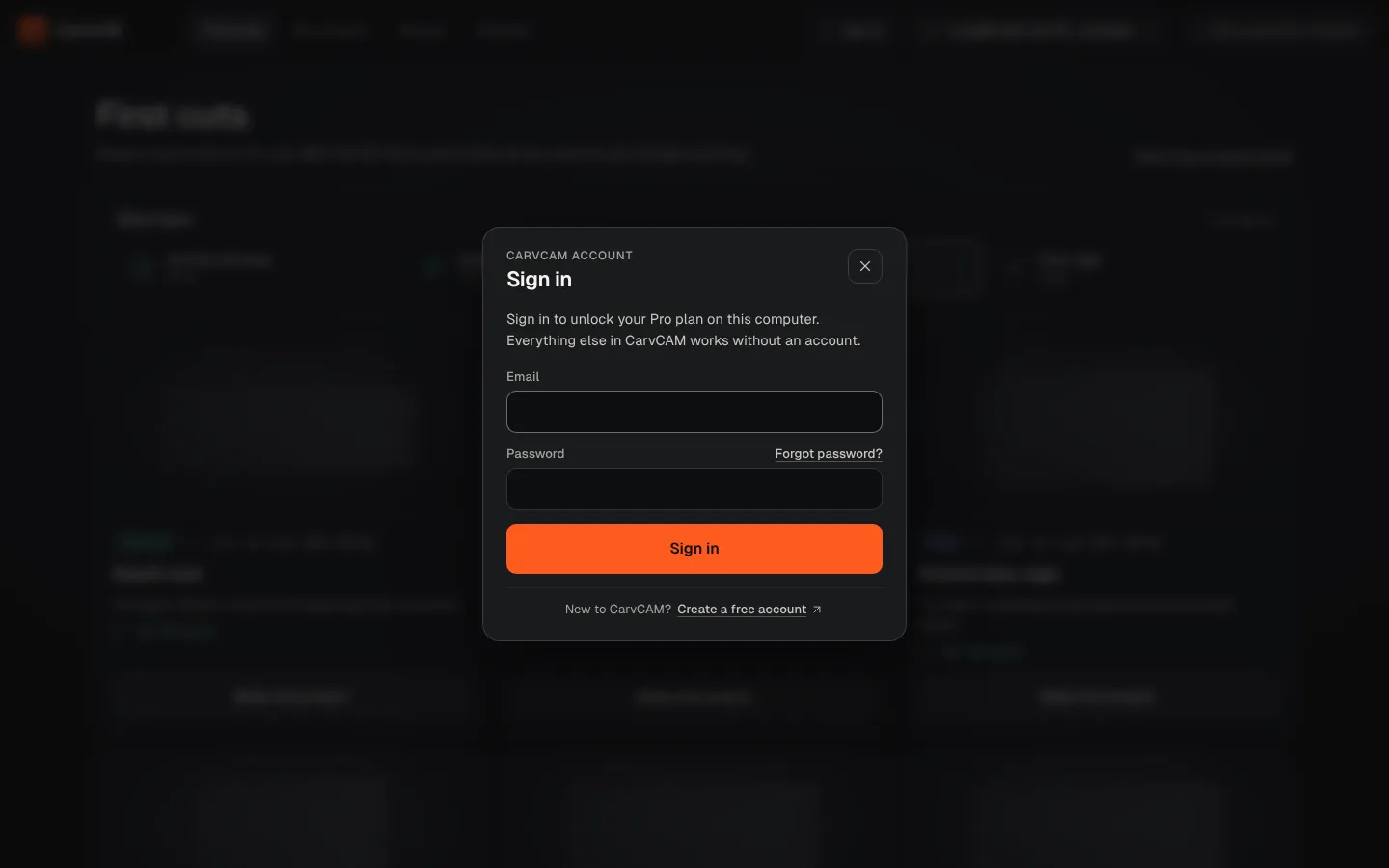
Sign in
Create an account
On the website, create your free account and confirm your email. The app's Create a free account button opens the same page. Pro is on for 7 days right away; nothing is charged after that.
Open CarvCAM
The app opens on Sign in to CarvCAM until you sign in (later: the account chip in the top bar, or Settings › CarvCAM account).
Enter email and password
Use the same email and password as on the website. Forgot it? Forgot password? opens the website.
Done
The chip in the top bar shows your plan, like Pro trial · 5 days left, Pro or Pro · Lifetime. When the trial ends you are back on Free and keep your projects.
Free and Pro
| Free, forever | Pro adds |
|---|---|
| Design with text and shapes, V-carve, hatch, cut through and parts with tabs | Import SVG and DXF, trace images (guide) |
| Every Sienci bit, official and estimated feeds | Make copies (guide) |
| First cuts projects | Batch from CSV (guide) |
| Keep-out zones, setup sheet, simulation and the G-code checks | Cost & price calculator (guide) |
| Connect, carve, Download G-code | Guided V-carve inlay (guide) |
| Up to 3 saved projects | Unlimited projects |
Pro tools show a Pro badge. Without Pro you can still open them and see a free preview; the last step asks you to unlock. The Heart inlay coaster example is free to cut.
Offline
CarvCAM checks your plan when it starts, every few hours and when you come back to the window. Without internet, CarvCAM keeps working once you have signed in, and Pro keeps working for 30 days after the last successful check (a trial still ends on its date). After that it falls back to free and says "Connect to the internet to confirm your Pro plan". Free features keep working the whole time.
Billing, trial and cancelling are on your account page on the website. Manage plan in the app opens it.