
My projects
You never have to save: a project lands in My projects as a Draft as soon as there is something on the board, saves on every change and step, and is marked Carved when a carve finishes.
Save, new and clear
| Button (next to the design name) | What it does |
|---|---|
| Saved check (or Ctrl+S) | Shows the project is saved. Ctrl+S saves right away |
| New project | Starts a blank board. Pick the wood and add text or shapes |
| Clear the board | Removes everything from this board. Ctrl+Z brings it back |
| My projects | Opens the list |
The list
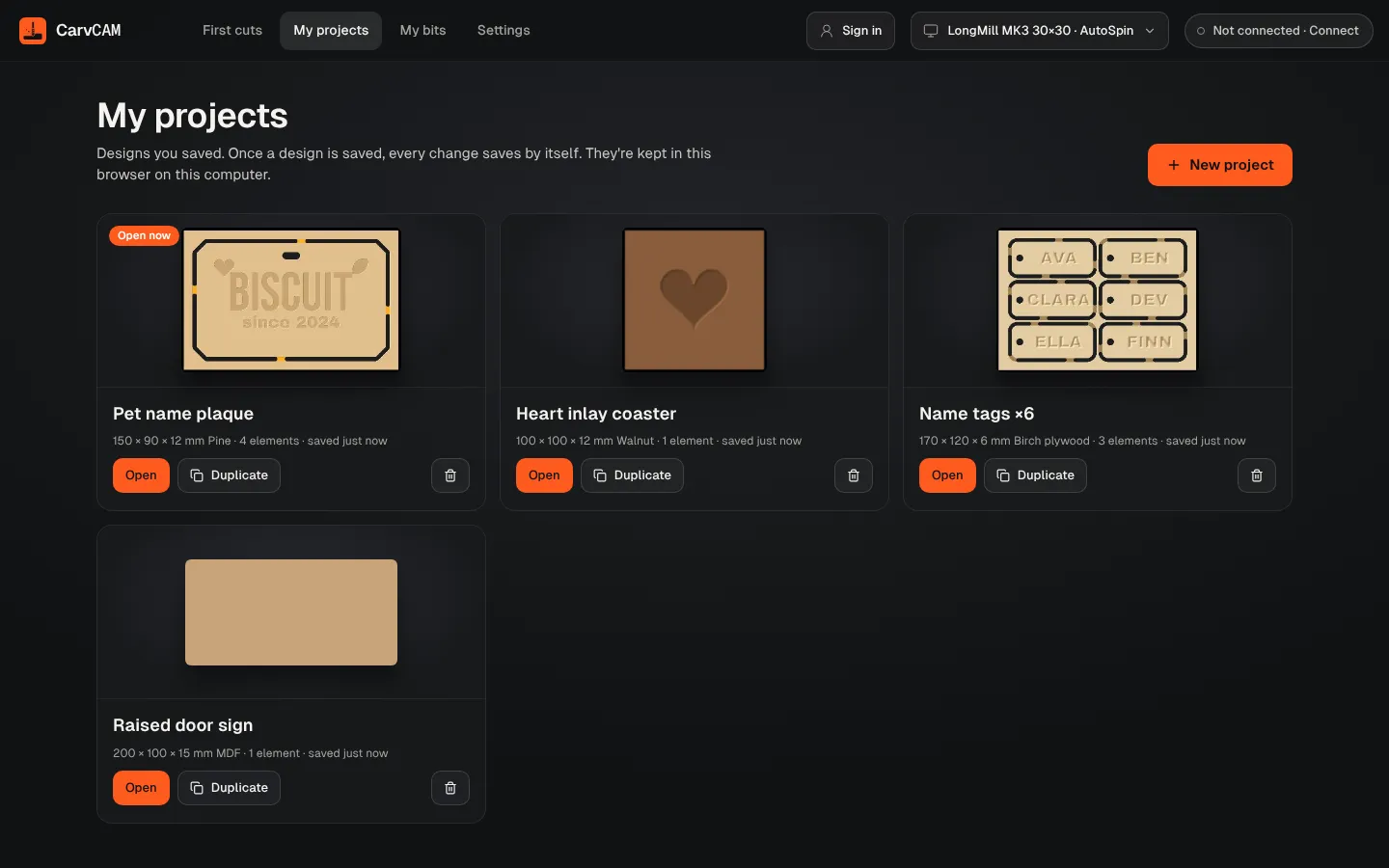
Open it from the menu at the top left › My projects. Each card shows Draft or Carved, the board size, material, the step you were on and when it was saved. Continue at Prepare (or Position) reopens a draft where you left it; a carve always restarts at Position so you set zero again. The Free plan keeps 3 projects; Pro keeps all of them.
| Button | What it does |
|---|---|
| Open / Continue at… | Opens the project, at the step you were on |
| Duplicate | Makes a copy, to try a variation without touching the original |
| Delete (bin icon) | Removes it from My projects for good. G-code files you downloaded aren't affected |
Where projects live
Projects are kept on this computer, inside CarvCAM. They don't sync to other computers. If storage is full, CarvCAM says so: delete old projects or remove a large tracing image.
Was this page helpful?Thanks for the feedback.