
How to Cut a V-Carve Inlay Coaster on a CNC (Step by Step)
Cut a heart inlay coaster with a 60° V-bit: the pocket in dark hardwood, the mirrored plug in a light wood, then glue, clamp and plane flush. Free example in CarvCAM.
Open the heart coaster
In First cuts, open Heart inlay coaster: a walnut coaster with a pine heart. It's free to cut. The Inlay card in the panel shows the pocket depth (3 mm), the glue gap (0.5 mm) and the plug depths.
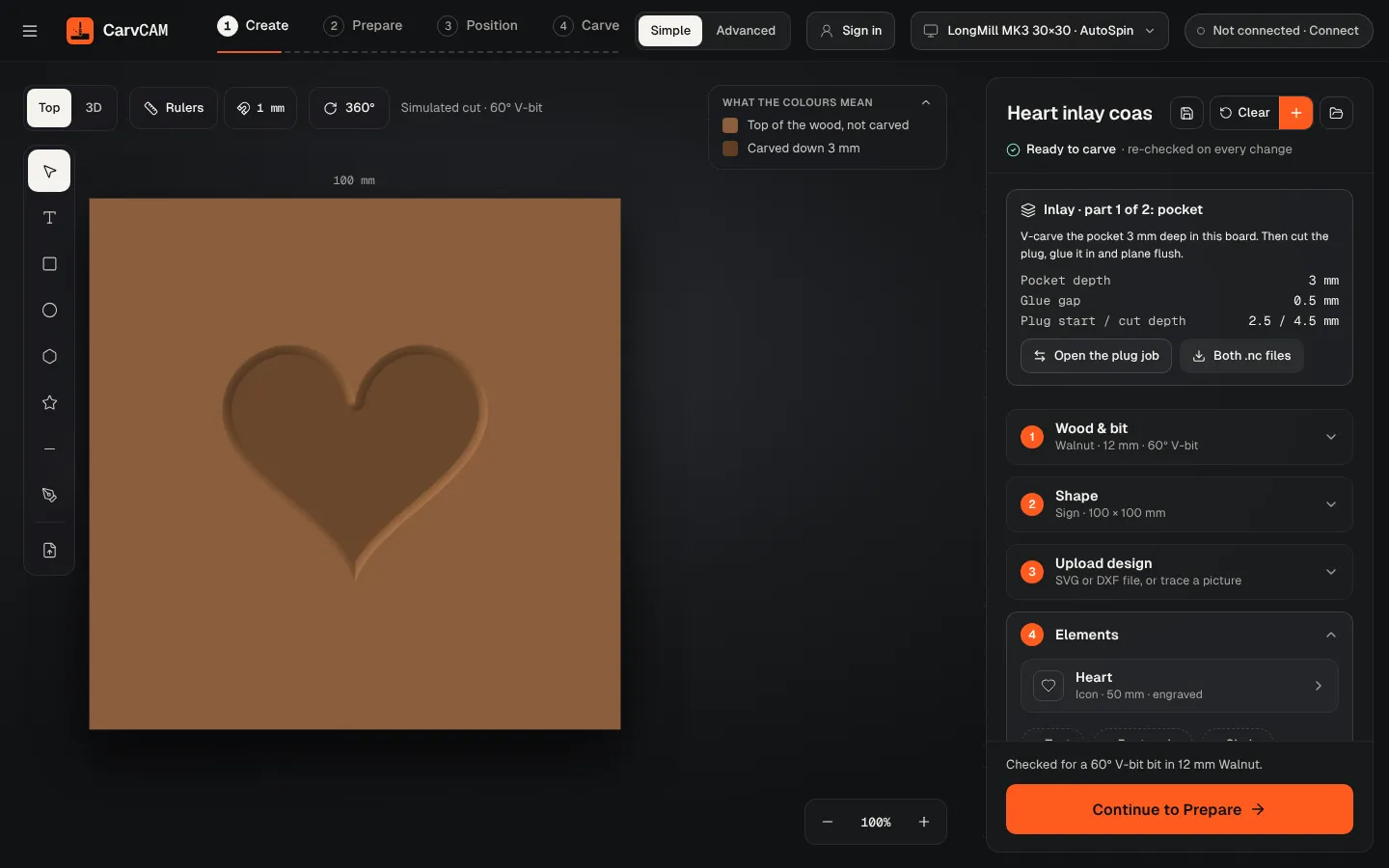
Cut the pocket
Clamp the dark board, zero on the bottom-left corner and top face, and carve. The V-bit cuts the walls, then the flat bit clears the bottom. Don't move the board until the plug fits.
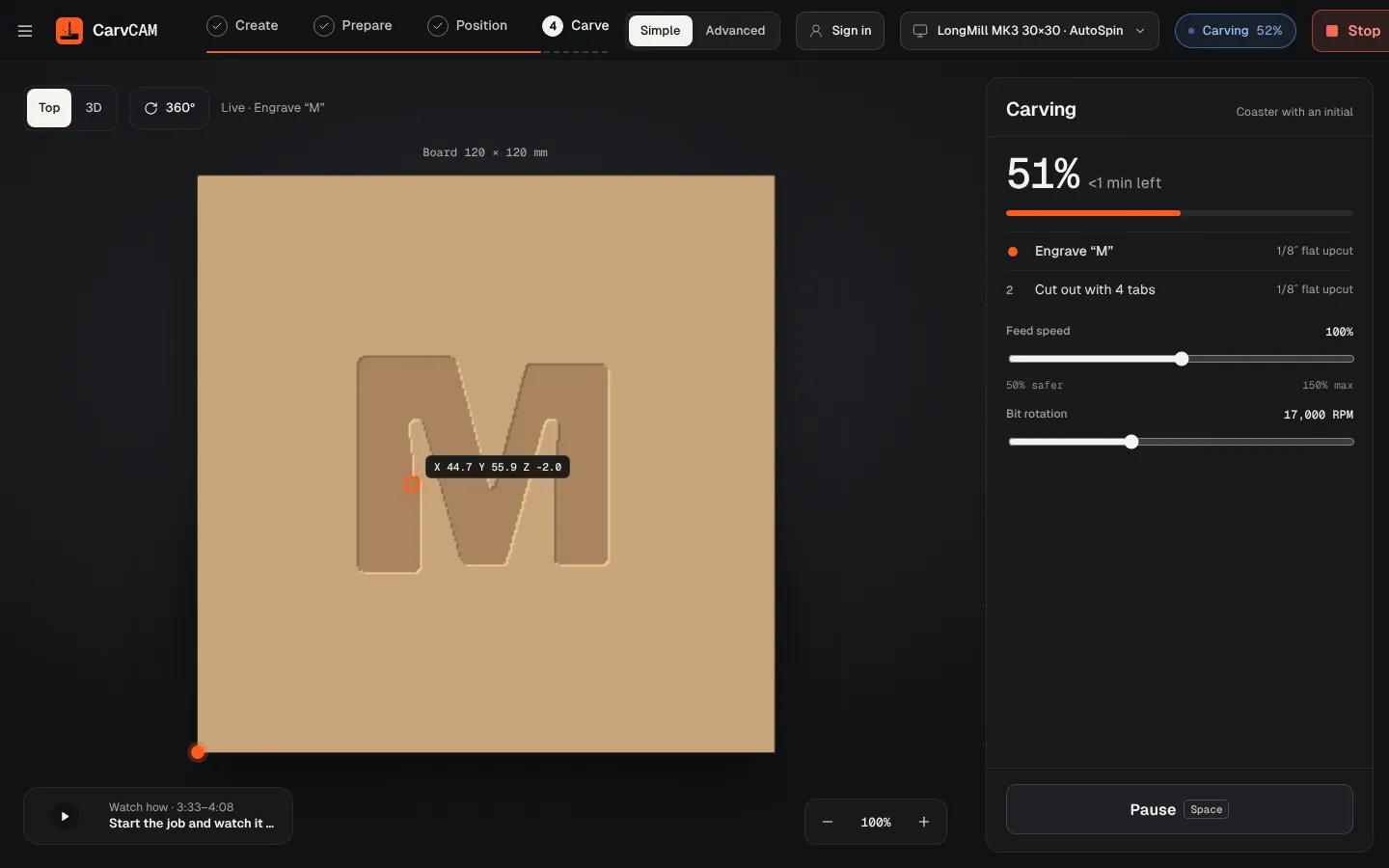
Cut the plug
Click Open the plug job on the Inlay card. The heart is already mirrored. Zero on the light board like any job and carve: the V-bit starts 2.5 mm deep at the edge of the heart and lowers the rest of the board.
Glue and clamp
Dry-fit first: the walls should touch before the plug bottoms out. Brush glue on the walls, flip the plug board into the pocket and clamp. The 0.5 mm gap at the bottom holds the extra glue.
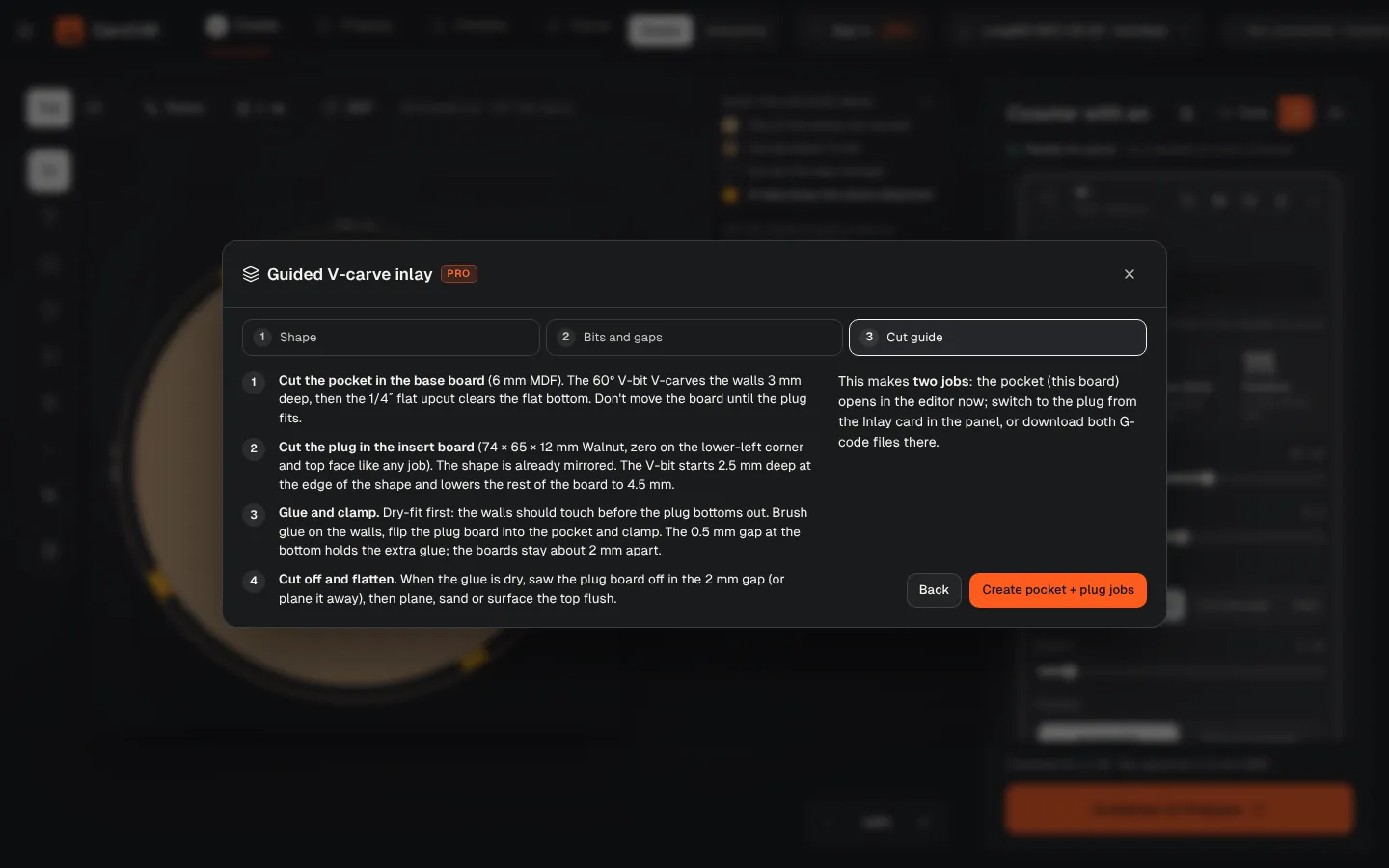
Cut off and flatten
When the glue is dry, saw the plug board off in the 2 mm gap between the boards, then plane, sand or surface the top flush.
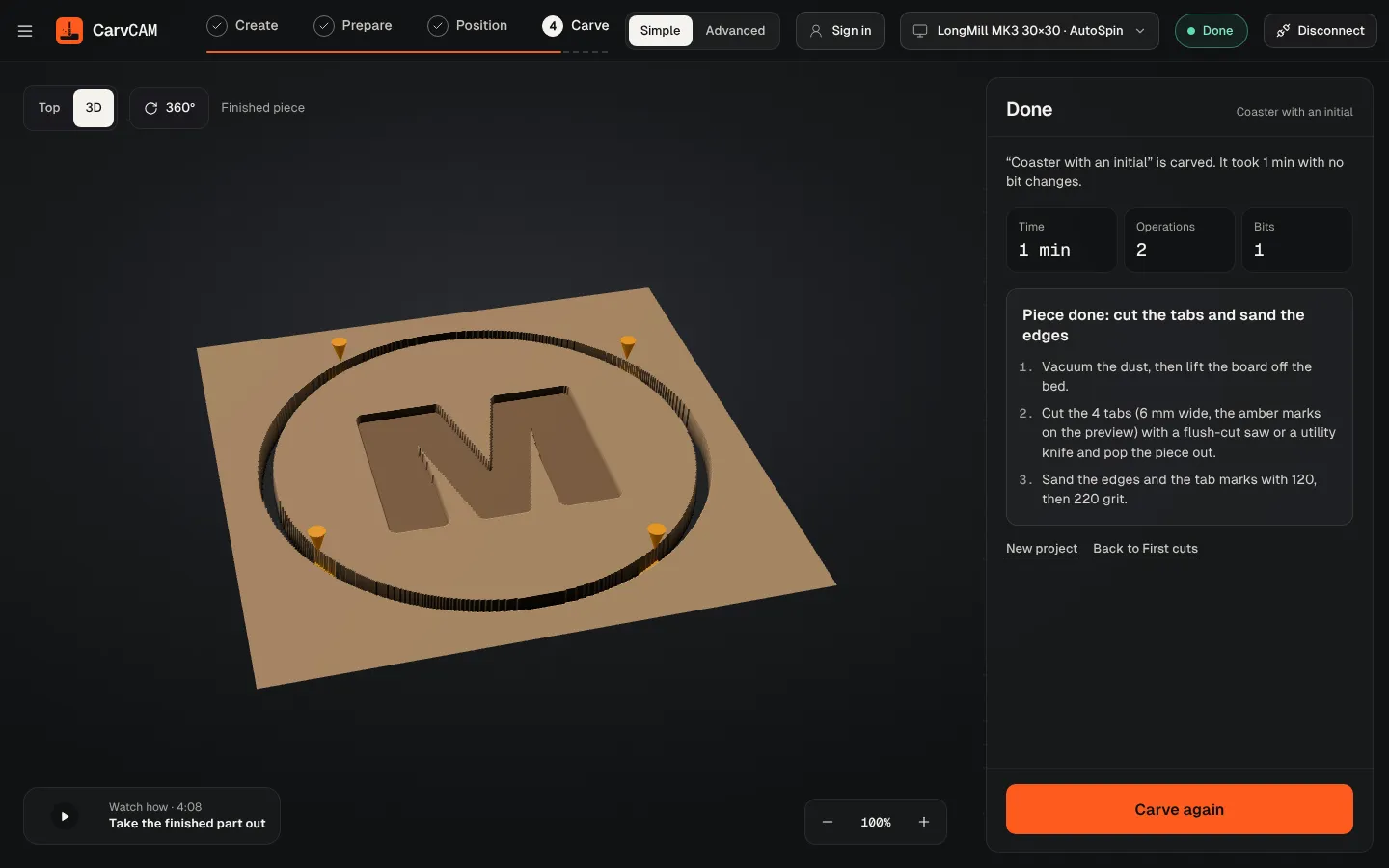
From blank board to finished sign.
One app for your LongMill or AltMill.