
Text, shapes and the element library
Everything you can put on the board, and the fastest way to add it.
| Item | What you can do |
|---|---|
| Text | Fonts made for carving; text can follow a curve with the Curve slider |
| Shapes | Rectangle, circle, polygon, star and line |
| Pen | Free curves, point by point |
| Library | Frames, ornaments and icons already sized for the bit |
| Combine | Outline around a shape, subtract one shape from another, mask |
| Align | Align and distribute several items at once |
Use the element library
Open the library
In the right panel, click Library.
Pick an element
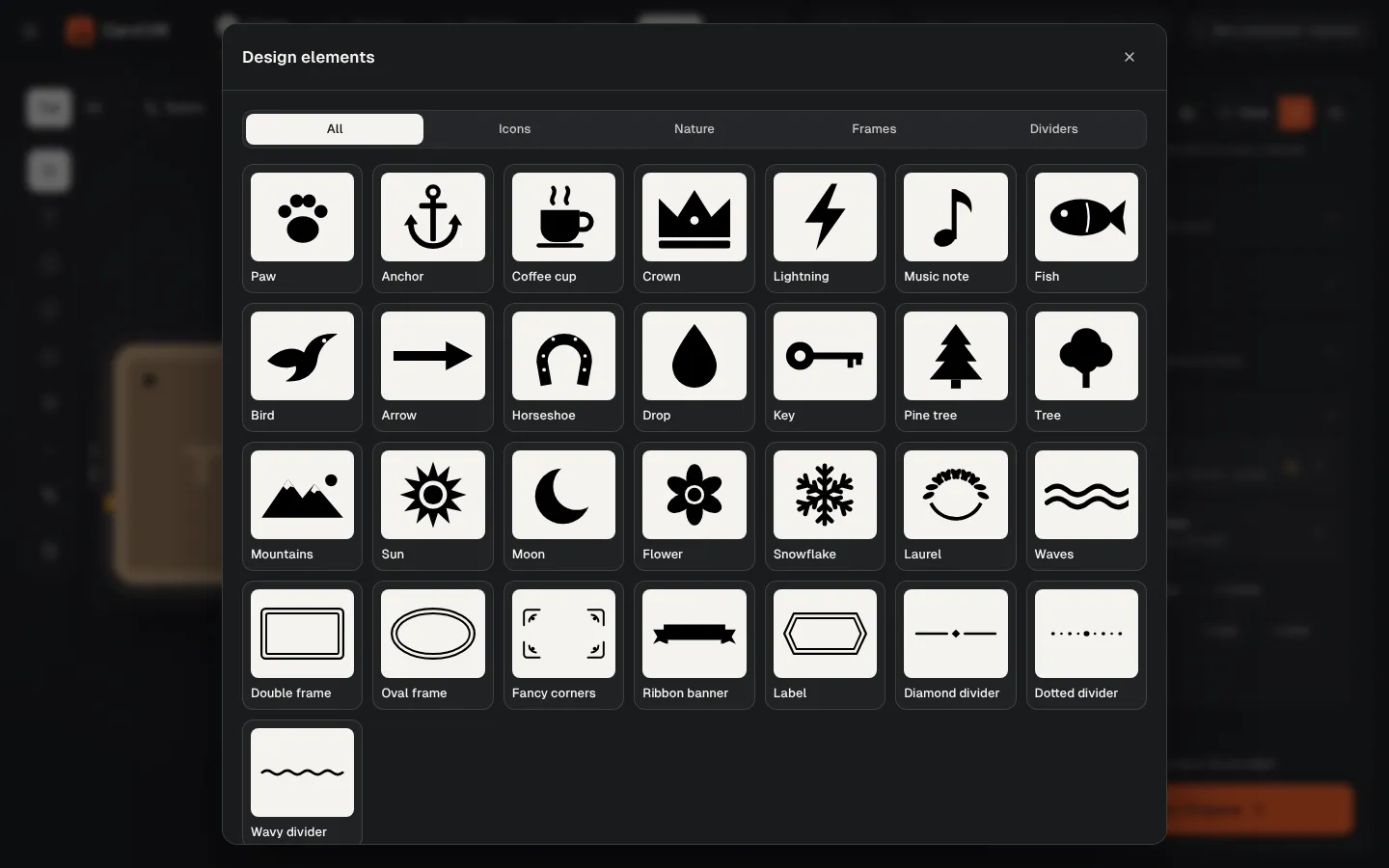
Icons, nature, frames and dividers. One click places it on the board at the right size.
Adjust
Drag to move, or set size and style in the panel.
Place things precisely
Turn on the rulers and Snap to grid from the rulers button on the board, and set the Grid step. Rulers read millimeters from the bottom-left corner of the board, the same point as work zero. While you drag, items snap to the edges and centers of other items.
Fonts that carve well
Archivo Black is the easiest to cut. Bebas Neue is condensed. Pacifico is a script whose letters join; make it at least 30 mm tall with a 1/8″ bit.
Was this page helpful?Thanks for the feedback.