
LongMill MK3 software: design, carve and control in one app
Your MK3 ships ready to cut. CarvCAM gets you from an idea to a finished sign on it without switching apps: the design, the toolpaths, the setup and the carve all happen in one window.
| Work area | 32 × 32 in or 49 × 32 in |
| Controller | SLB-LITE (grblHAL) |
| Connection | USB-C |
| Spins the bit | AutoSpin T1 router (Makita and spindle kits also supported) |
Connect your LongMill MK3 in four checks
Power supply into the SLB-LITE, switch on, release the E-stop.
AutoSpin T1: signal cable into the SPINDLE port (the phone-style jack), router in Spindle mode.
USB-C from the controller straight into your computer.
Connect in CarvCAM: it reads the controller, unlocks it and runs a 2 mm Z test and a 3 second spindle test.
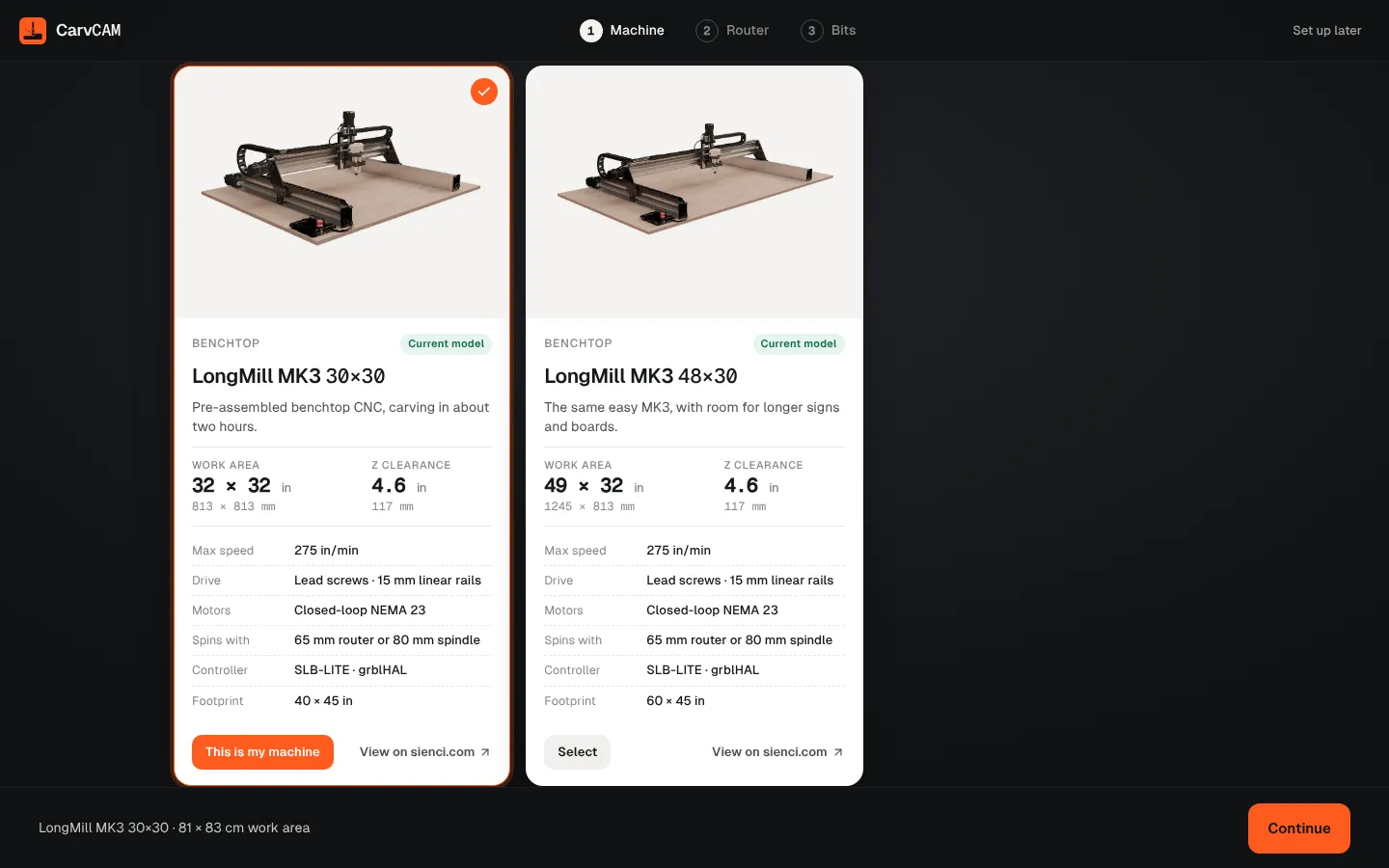
Already set for your LongMill MK3
- Work area and Z travel of the 30×30 and 48×30
- AutoSpin T1 speed range (10,000–30,000 RPM), set by the program
- Feeds and speeds for Sienci bits on your MK3
Step-by-step guides
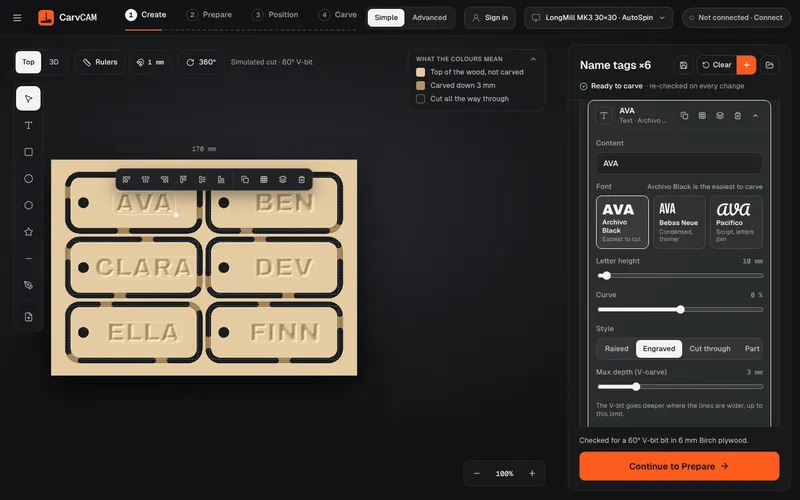
Make a wooden sign
From blank board to finished sign on a LongMill or AltMill: design, pick a speed, set zero with the touch plate, carve and finish. With screenshots.
Read the guideV-carve a house number plaque
A step-by-step guide to a V-carved house number plaque: layout with text on an arc, V-bit setup, depth passes and finishing for outdoor use.
Read the guide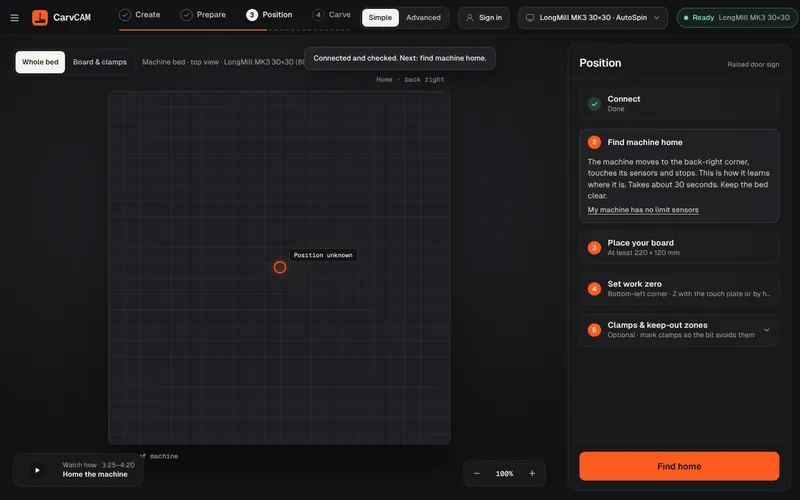
Set work zero with a touch plate
Set X, Y and Z zero on a LongMill or AltMill with the touch plate: where the zero goes, how the probe works, and how to check it before carving.
Read the guideOther machines: AltMill · LongMill MK2 · Best CNC software for LongMill
From blank board to finished sign.
One app for your LongMill or AltMill.