
Learn
Short, step-by-step guides with screenshots. Written for LongMill and AltMill owners.
Make a wooden sign
From blank board to finished sign on a LongMill or AltMill: design, pick a speed, set zero with the touch plate, carve and finish. With screenshots.
Read the guideV-carve a house number plaque
A step-by-step guide to a V-carved house number plaque: layout with text on an arc, V-bit setup, depth passes and finishing for outdoor use.
Read the guide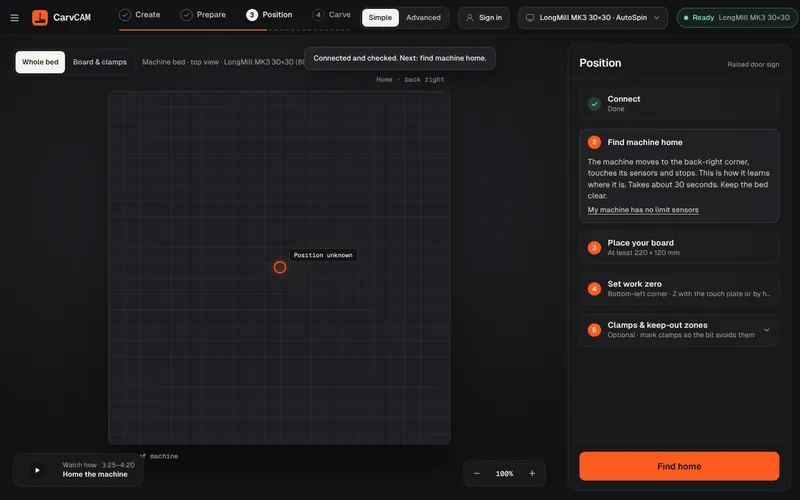
Set work zero with a touch plate
Set X, Y and Z zero on a LongMill or AltMill with the touch plate: where the zero goes, how the probe works, and how to check it before carving.
Read the guide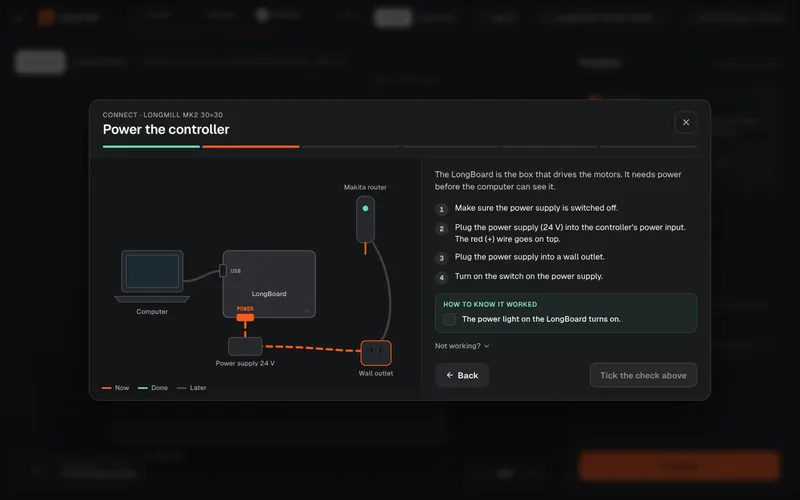
Connect your machine
Where each cable goes on the LongBoard, SuperLongBoard, SLB-EXT and SLB-LITE, and how to prove the connection works before your first carve.
Read the guide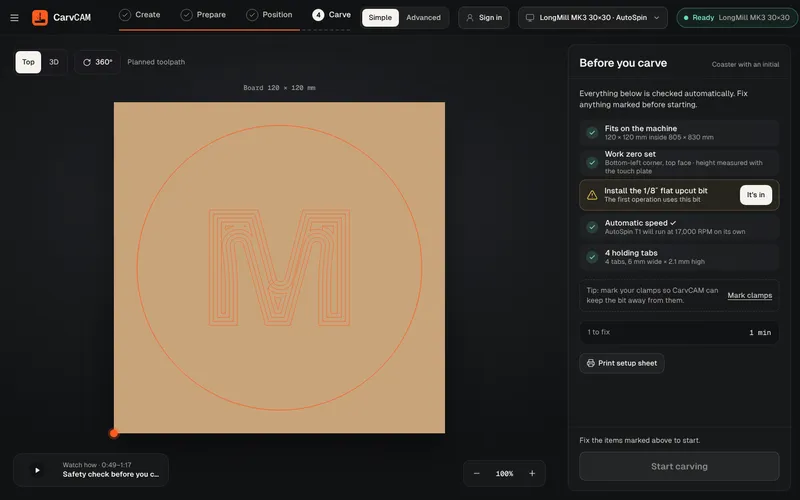
Recover from an alarm
What door, limit, E-stop, position-lost and probe alarms mean on a LongMill or AltMill, and how to resume the operation safely.
Read the guide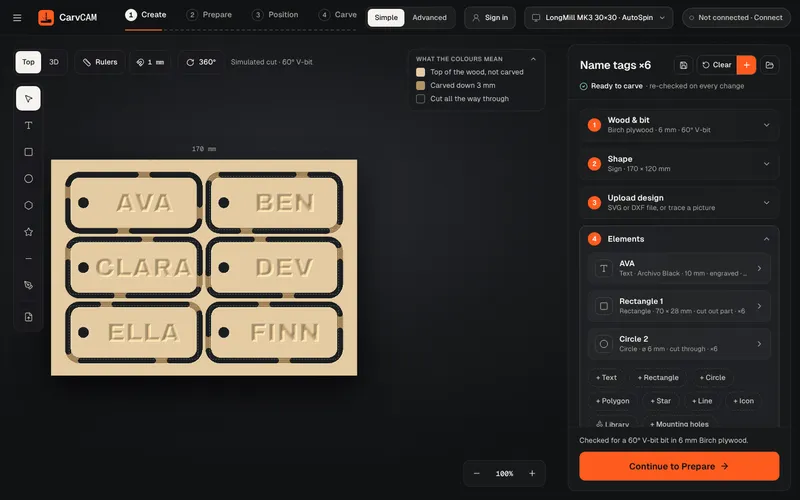
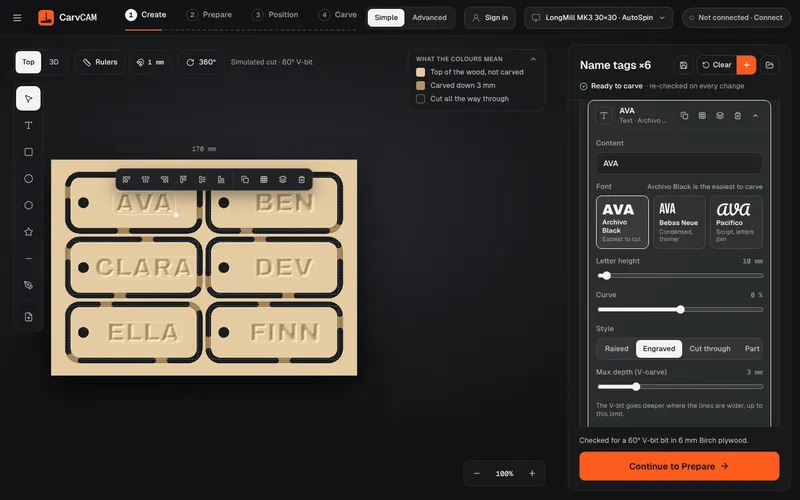
Make 6 name tags in one job
Design one name tag, fill the board with linked copies, give each copy its own name and cut all six in one job with a V-bit and a 1/8 in end mill.
Read the guide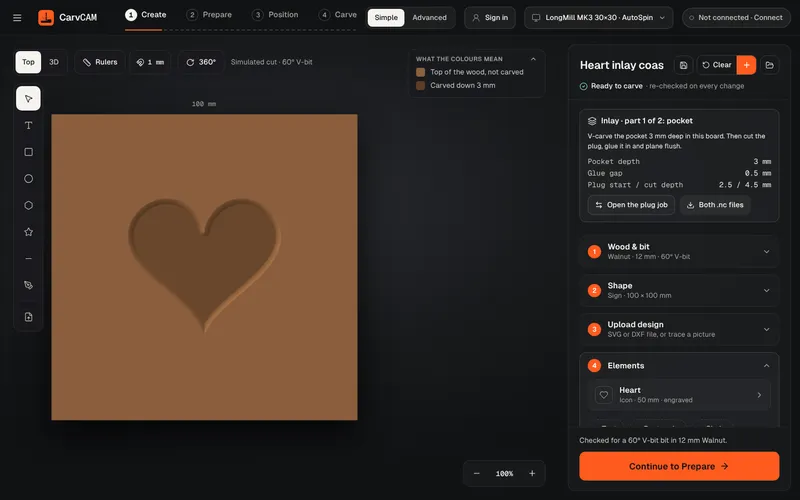
Cut a V-carve inlay coaster
Cut a heart inlay coaster with a 60° V-bit: the pocket in dark hardwood, the mirrored plug in a light wood, then glue, clamp and plane flush. Free example in CarvCAM.
Read the guide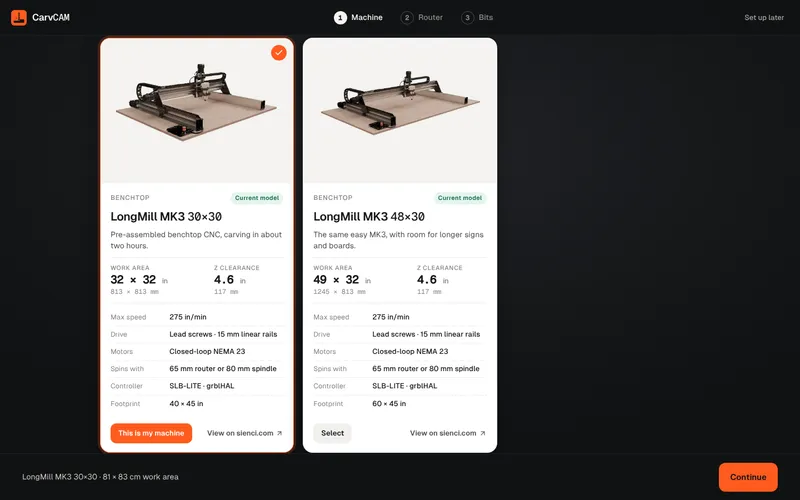
Install CarvCAM on a Mac
Pick the right download for your Mac's chip, drag CarvCAM to Applications and get past the first-open warning with Open Anyway, on macOS 15 Sequoia and on older versions.
Read the guideFrom blank board to finished sign.
One app for your LongMill or AltMill.