
Guide · 4 steps · about 5 min
How to Recover from a CNC Alarm (Grbl) Without Ruining the Job
What door, limit, E-stop, position-lost and probe alarms mean on a LongMill or AltMill, and how to resume the operation safely.
You'll need: Your machine connected in CarvCAM
Read the alarm screen
CarvCAM names the alarm in plain words (door, travel limit, E-stop, position lost, touch plate) and keeps your job.
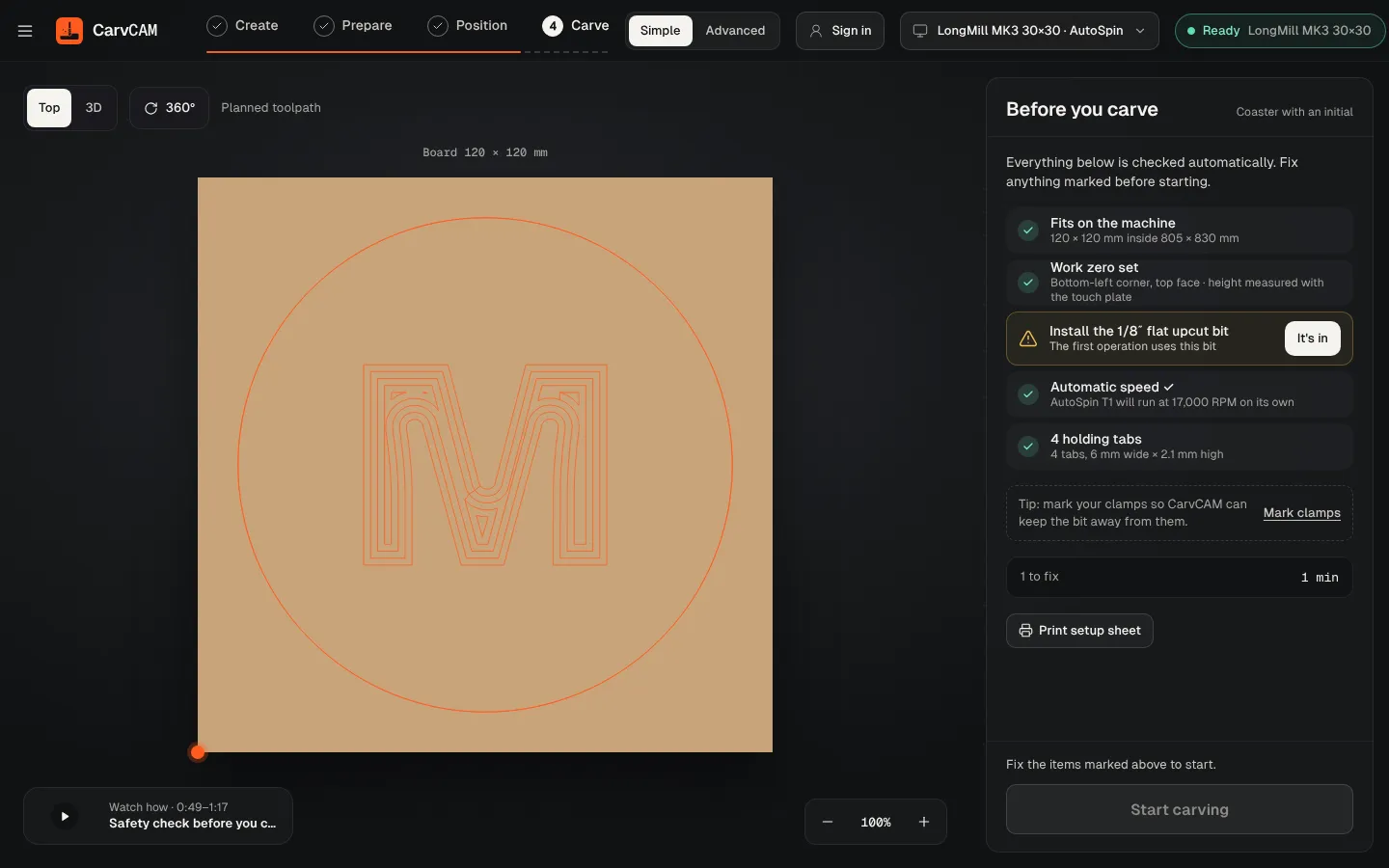
Fix the cause
Close the door, release the E-stop, clip the magnet, or check the board fits the bed.
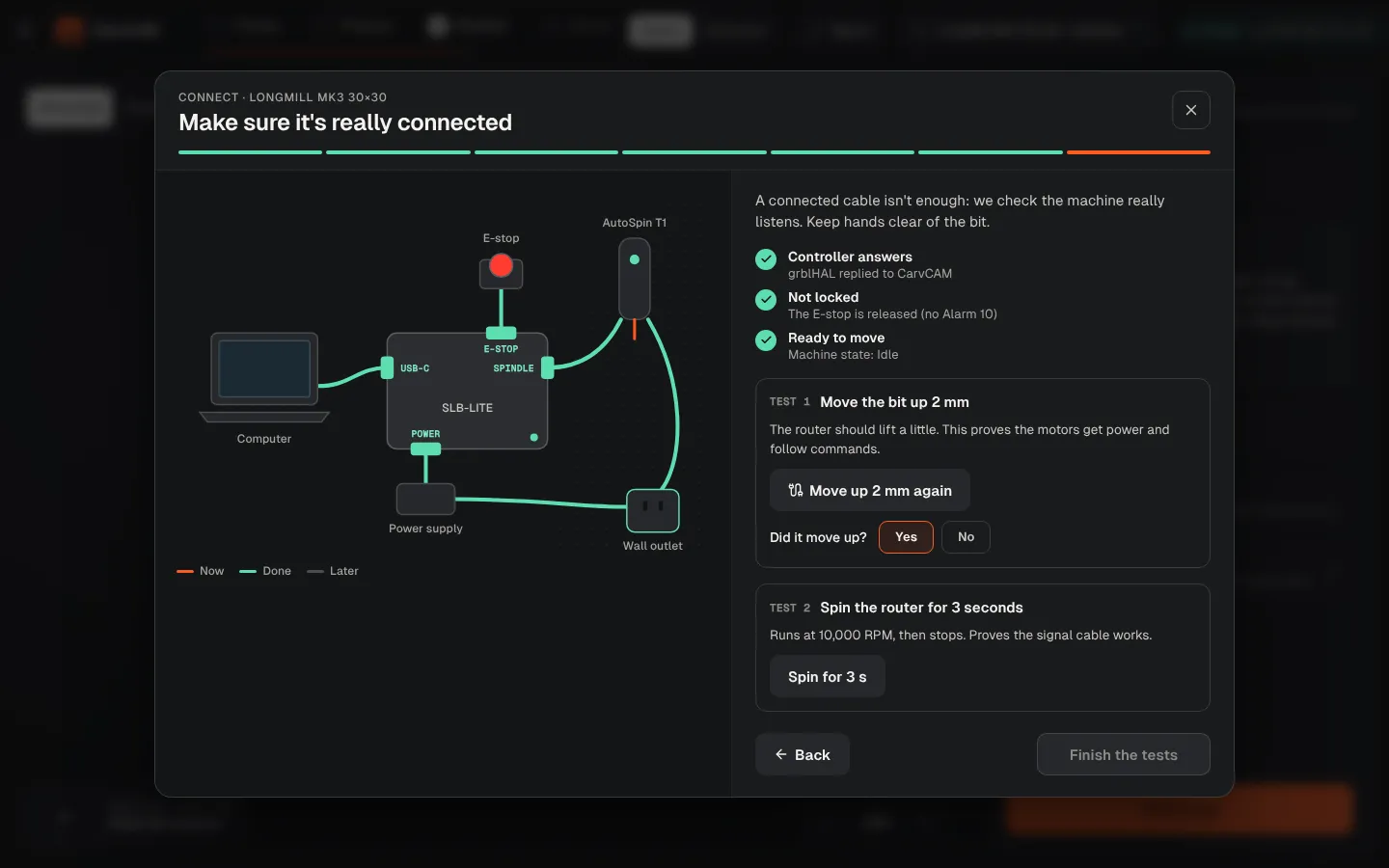
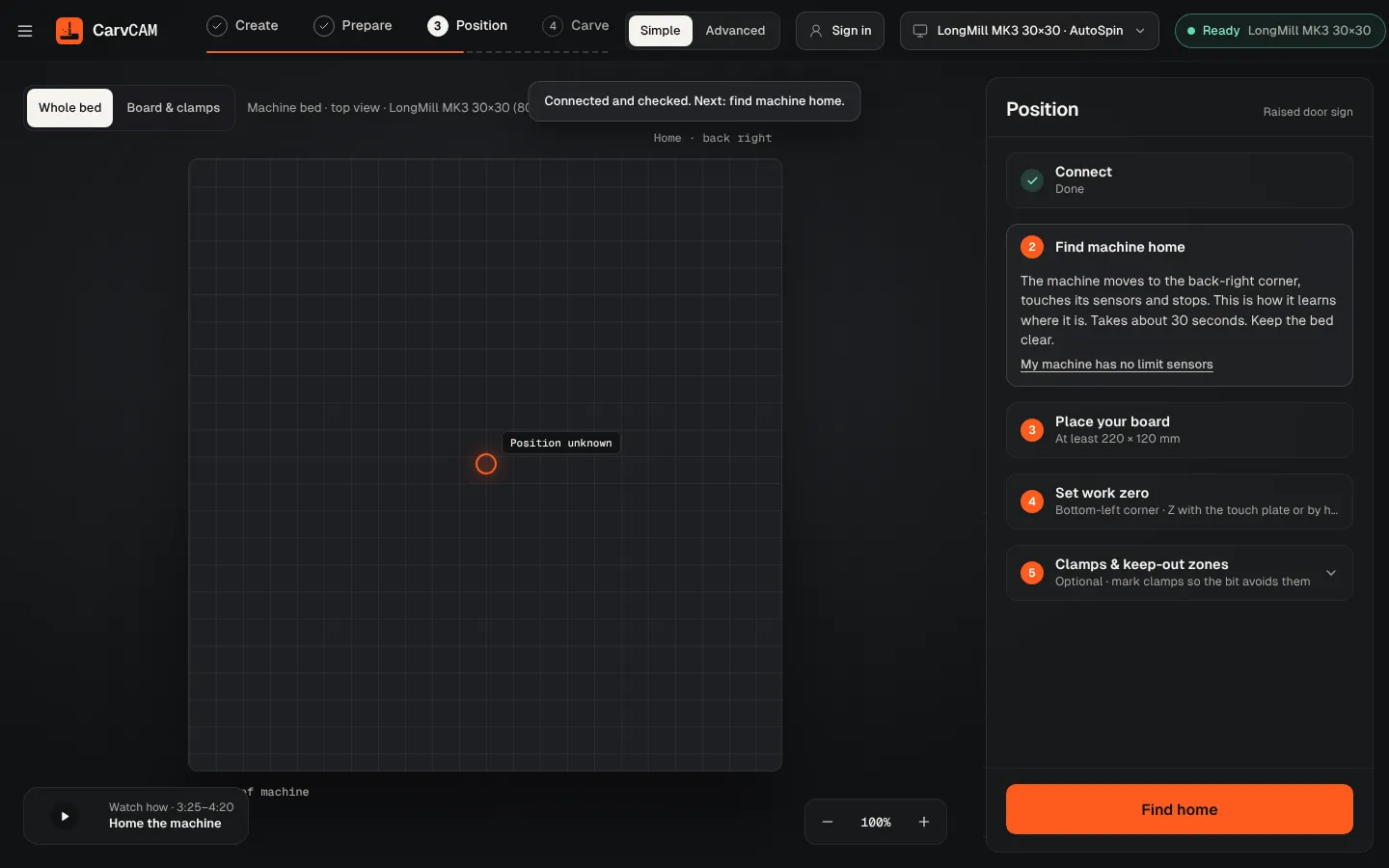
Unlock and home if asked
Limit, E-stop and position-lost alarms need a new home so moves are safe again.
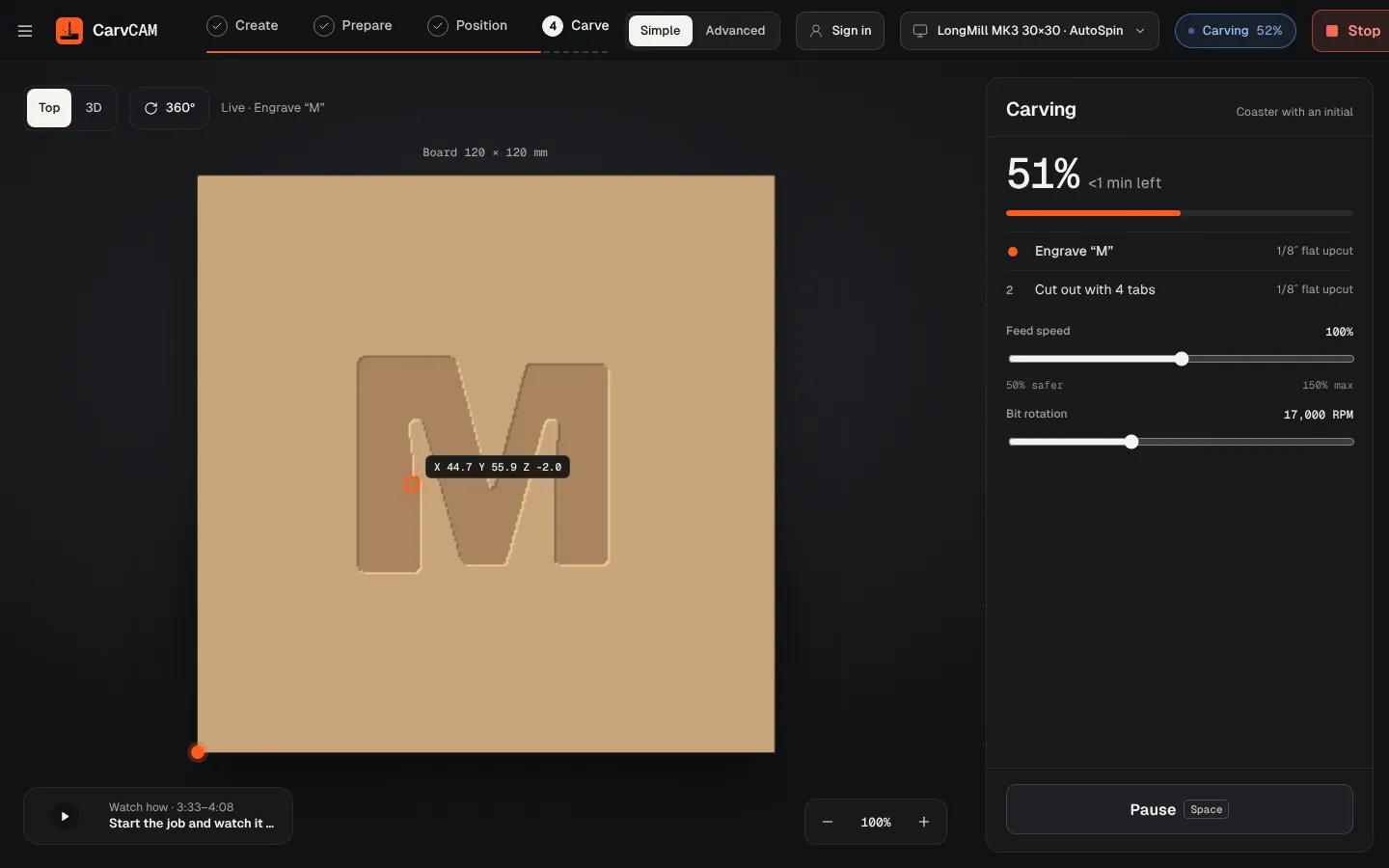
Restart the operation
CarvCAM lifts to safe height, restarts the spindle, returns over the last point and continues from the start of that operation.
From blank board to finished sign.
One app for your LongMill or AltMill.
Download for Windows
Use online
Windows 10 and 11 · Mac · Linux · Raspberry Pi · Works offline · All downloads · See how it works