
Feature · CarvCAM Pro
Guided V-Carve Inlay Software for LongMill and AltMill
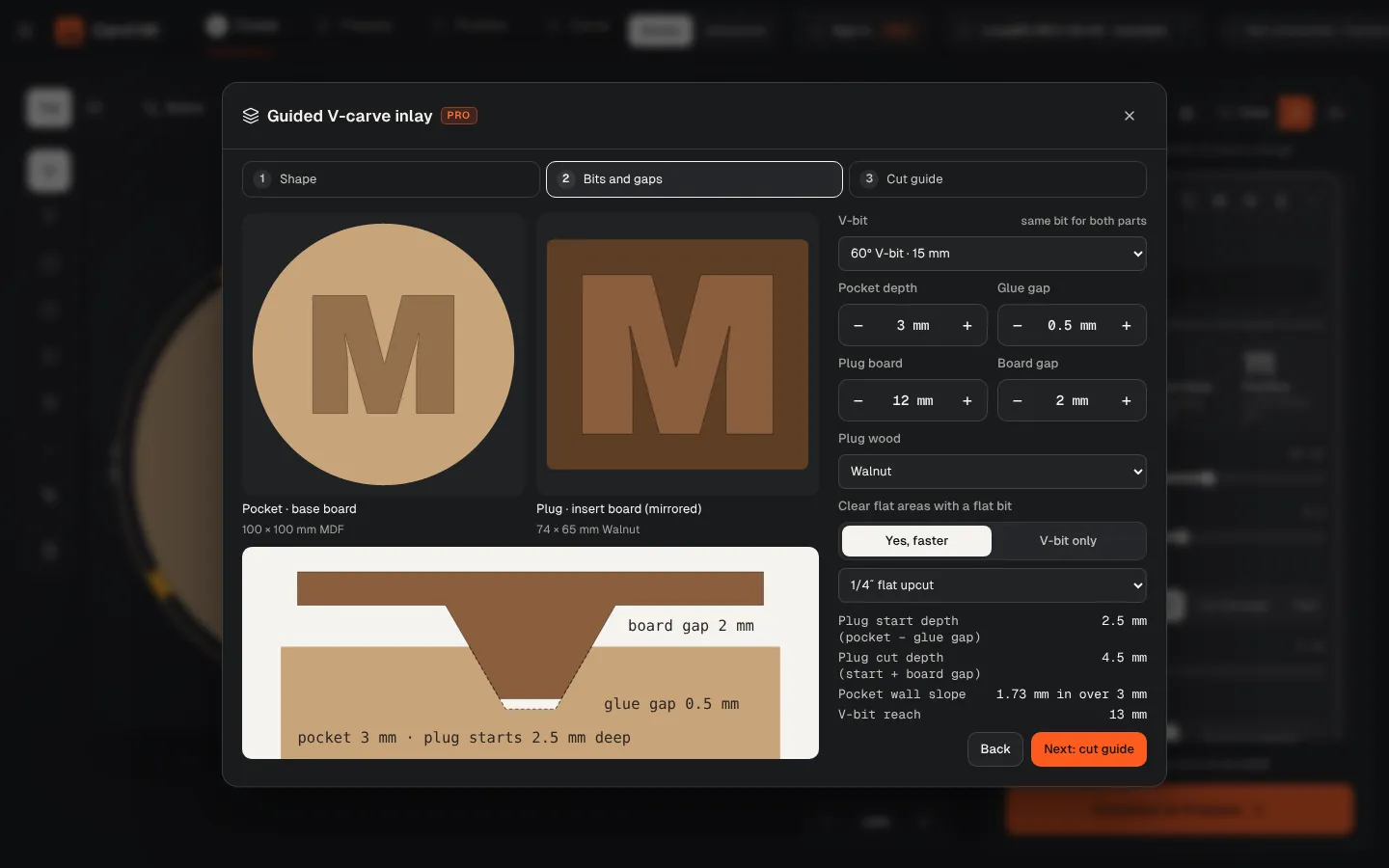
Inlays look like magic and fail on the math: start depth, glue gap, the gap between boards. CarvCAM's guided inlay does that math for your V-bit and gives you two jobs that fit on the first try.
Download for Windows
Use online
Windows 10 and 11 · Mac · Linux · Raspberry Pi · Works offline · All downloads · See how it works
What it does
Pocket, plug and glue gap, worked out
- Select a shape, an icon, a drawing or text, then open Guided V-carve inlay
- Pick the V-bit, pocket depth, glue gap, plug board and board gap; the cross-section updates as you type
- Optional flat-bit clearing for big flat areas, so the pocket bottom is cut faster
- Two linked jobs, pocket and mirrored plug, with both G-code files from one button
- A cut guide: pocket, plug, glue and clamp, cut off and flatten
- Free to try: the Heart inlay coaster example cuts without Pro
More features
Part of one workflow
No post-processor
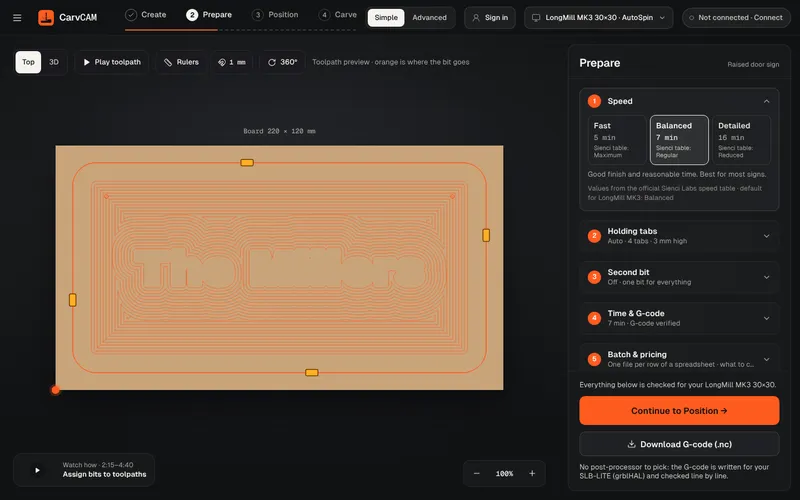
“What is a post processor?” is one of the most asked questions on the Sienci forum. In CarvCAM you never need to know: there is nothing to pick, and the file is checked before it reaches the machine.
Learn more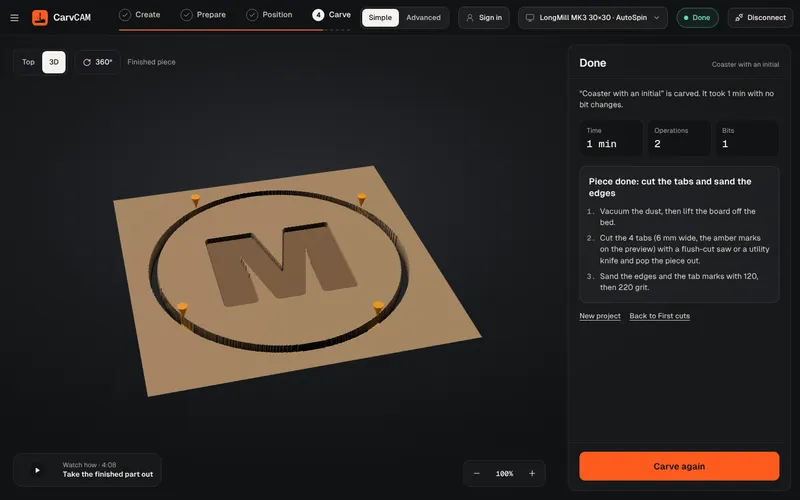
V-carving
V-carving is what makes a sign look professionally cut: deep where the letter is wide, sharp in the corners. CarvCAM does it from the same text you typed.
Learn more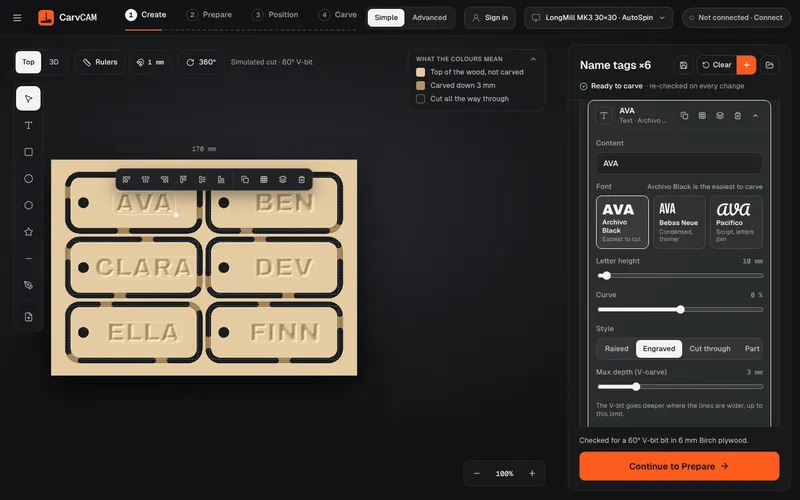
Sign design
Design where you carve. The preview shows the wood already cut, so what you see is what comes off the machine.
Learn moreFrom blank board to finished sign.
One app for your LongMill or AltMill.
Download for Windows
Use online
Windows 10 and 11 · Mac · Linux · Raspberry Pi · Works offline · All downloads · See how it works