
How to Make 6 Name Tags in One CNC Job (LongMill and AltMill)
Design one name tag, fill the board with linked copies, give each copy its own name and cut all six in one job with a V-bit and a 1/8 in end mill.
Open the example
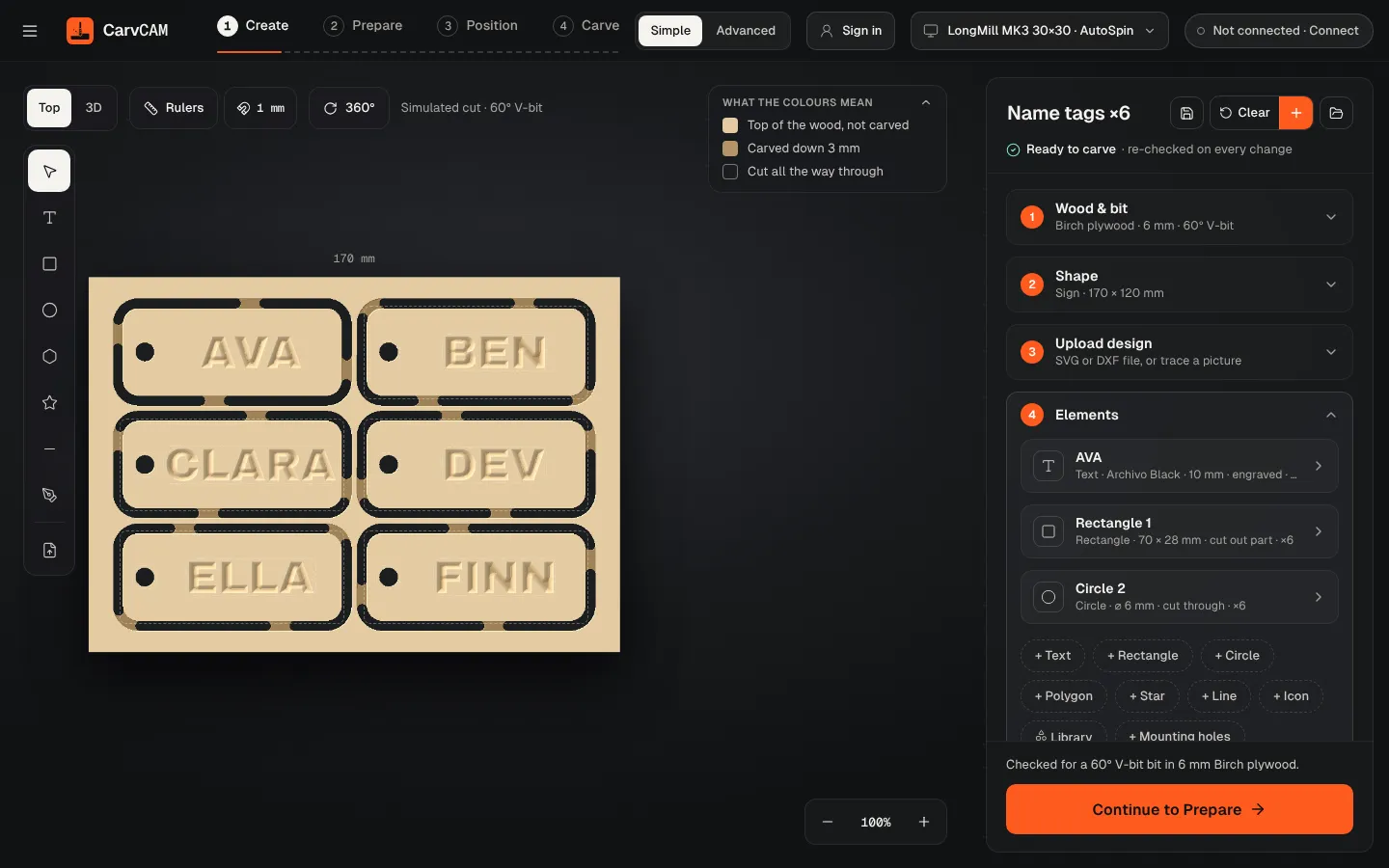
In the menu, open First cuts and pick Name tags ×6. One tag is designed; the other five are linked copies in a 3 × 2 grid.
Or make your own copies (Pro)
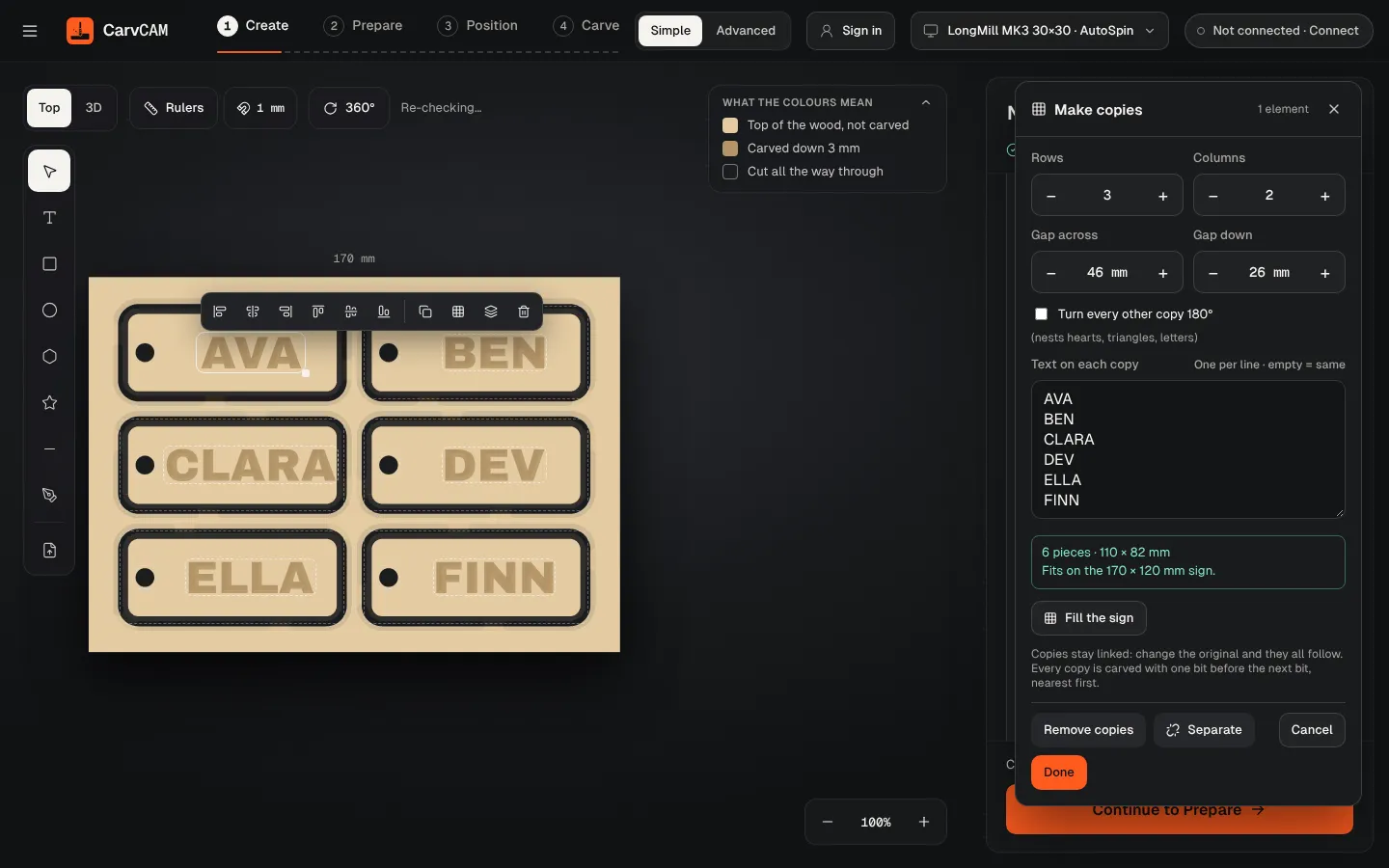
Select your tag (its text, shape and cord hole), then click Make copies on the element row. Set Rows, Columns and the gaps, or click Fill the board.
Give each tag a name
Under Text on each copy, type one name per line. An empty line keeps the original text.
Prepare the job
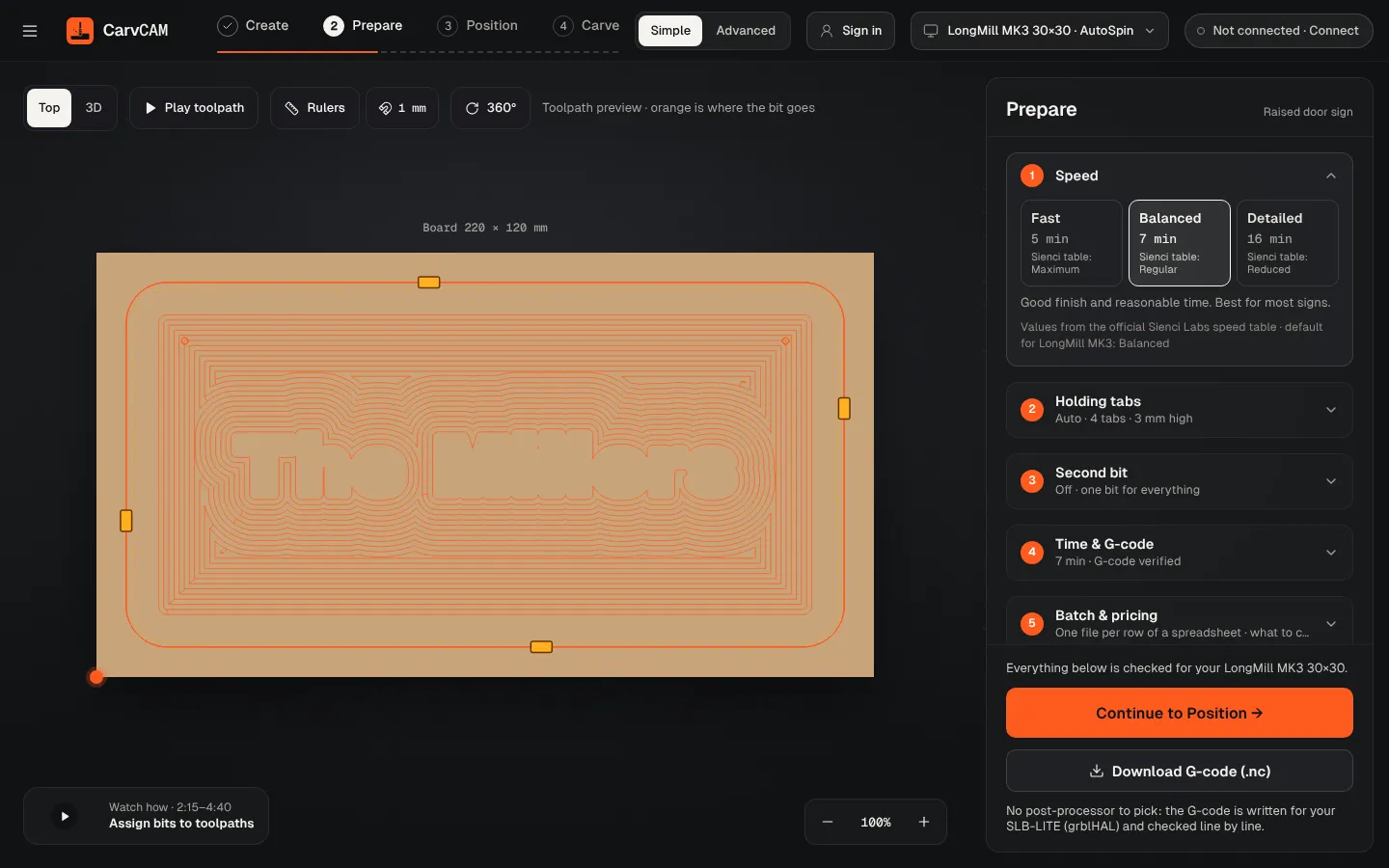
Continue to Prepare, pick Balanced and check Holding tabs. Every copy is cut with the V-bit first, then the end mill, nearest first, so there is one bit change for the whole job.
Zero and carve
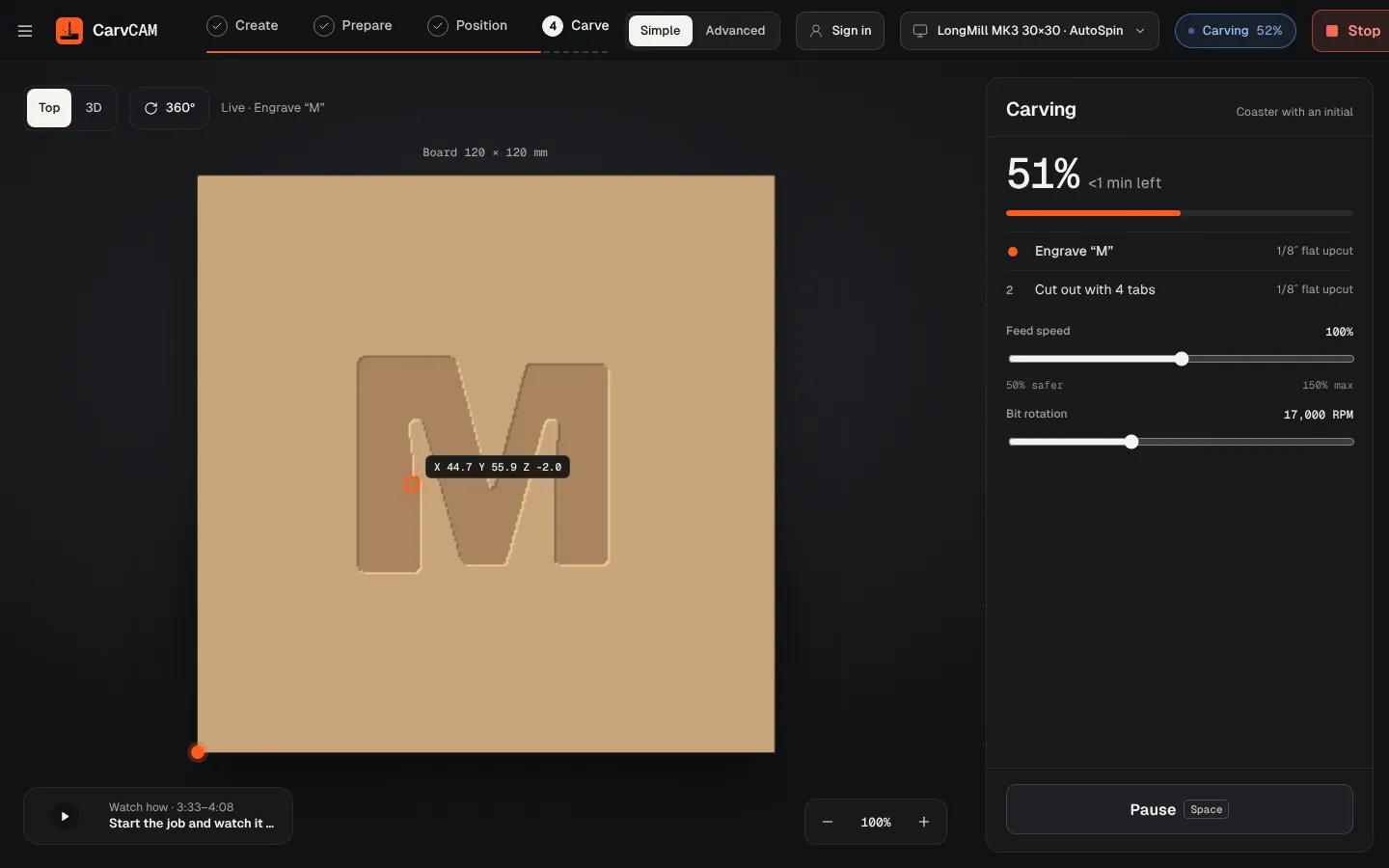
Home, clamp the board, measure the V-bit and set zero on the bottom-left corner. Start carving; change to the 1/8 in end mill when CarvCAM asks.
Free the tags
Cut the holding tabs with a flush-cut saw or a knife and sand the edges. Thread a cord through each hole.
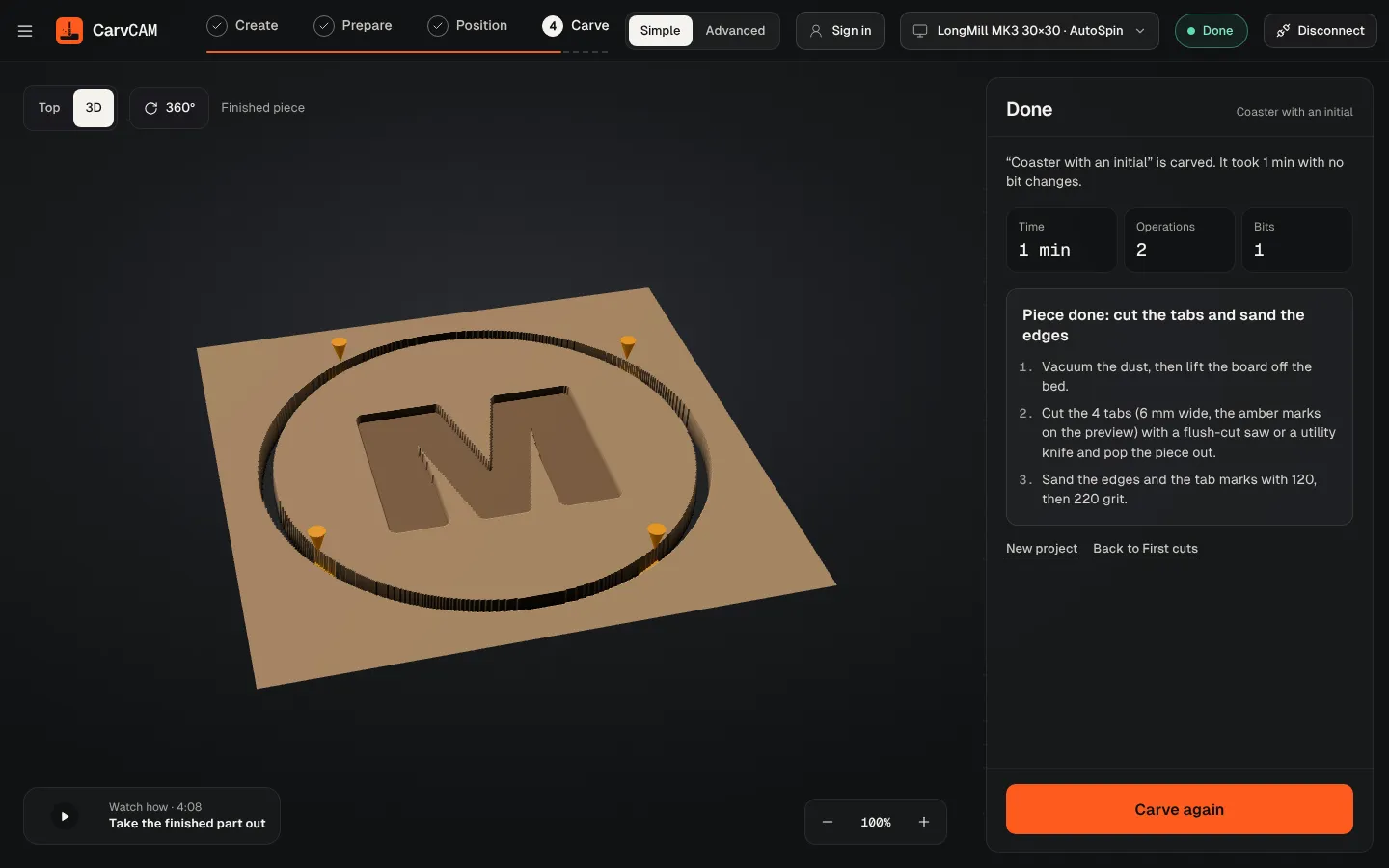
From blank board to finished sign.
One app for your LongMill or AltMill.