
Feature
Automatic Feeds and Speeds for LongMill and AltMill Bits
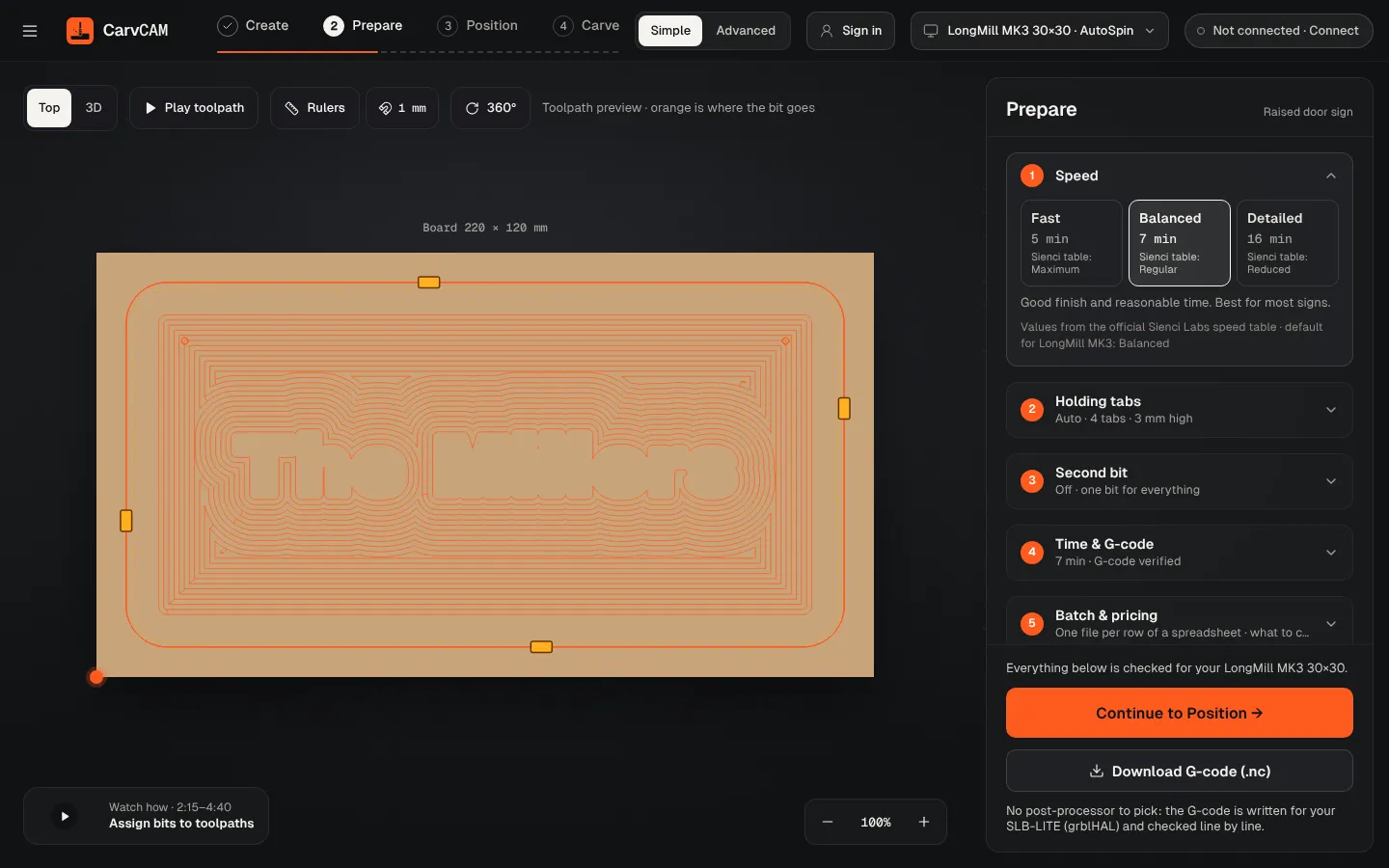
No feeds-and-speeds spreadsheet. Choose how fast you want the job, and CarvCAM fills in every number for your exact machine, router and bit.
Download for Windows
Use online
Windows 10 and 11 · Mac · Linux · Raspberry Pi · Works offline · All downloads · See how it works
What it does
Feeds and speeds, done for you
- Fast, Balanced or Detailed, matching the Maximum, Regular and Reduced columns of Sienci's table
- Every bit from all eight Sienci sets, each marked Official Sienci feeds or Estimated for your machine and head
- Estimated feeds start from Sienci's own table: same chip load per diameter, capped at your router's RPM and your machine's max speed
- Soft wood, hardwood, plastics and aluminum; Makita users get the dial number for each cut
- Estimated time before you start, and a printable setup sheet with every number
More features
Part of one workflow
No post-processor
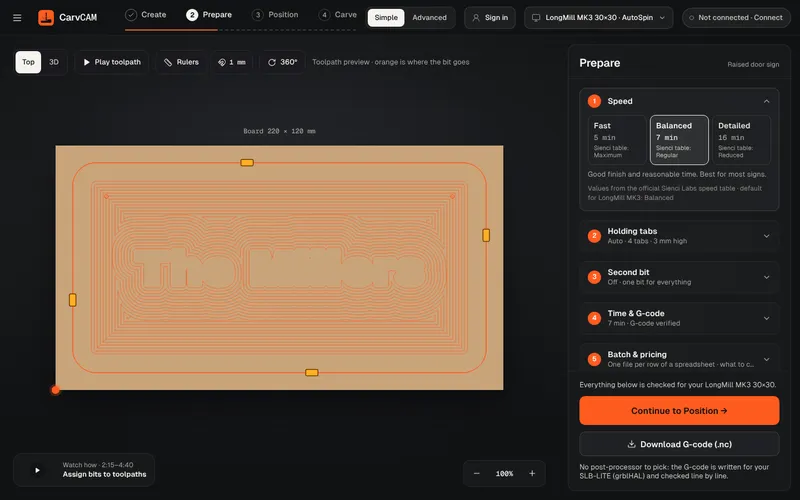
“What is a post processor?” is one of the most asked questions on the Sienci forum. In CarvCAM you never need to know: there is nothing to pick, and the file is checked before it reaches the machine.
Learn more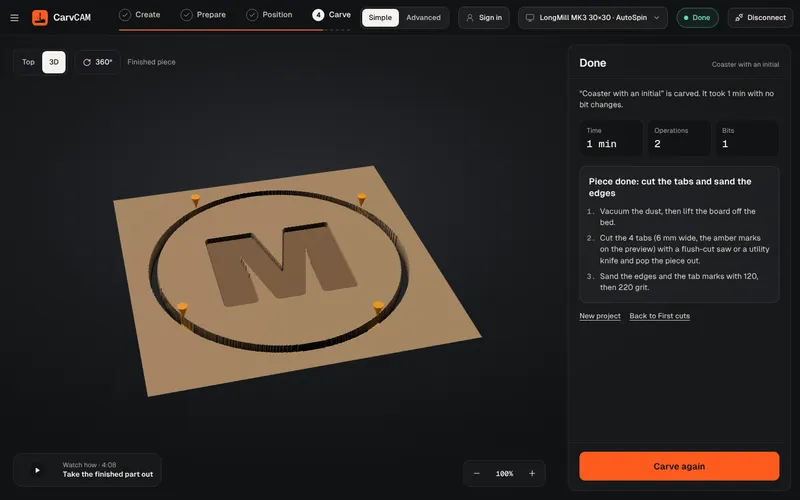
V-carving
V-carving is what makes a sign look professionally cut: deep where the letter is wide, sharp in the corners. CarvCAM does it from the same text you typed.
Learn more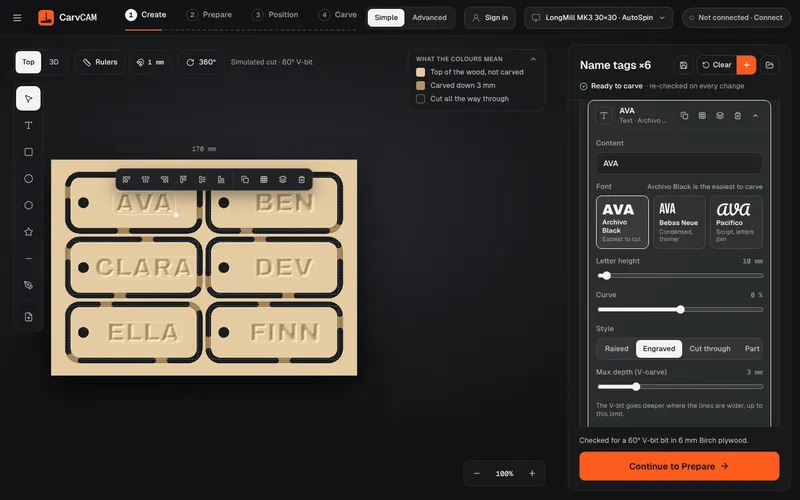
Sign design
Design where you carve. The preview shows the wood already cut, so what you see is what comes off the machine.
Learn moreFrom blank board to finished sign.
One app for your LongMill or AltMill.
Download for Windows
Use online
Windows 10 and 11 · Mac · Linux · Raspberry Pi · Works offline · All downloads · See how it works