
Feature · CarvCAM Pro
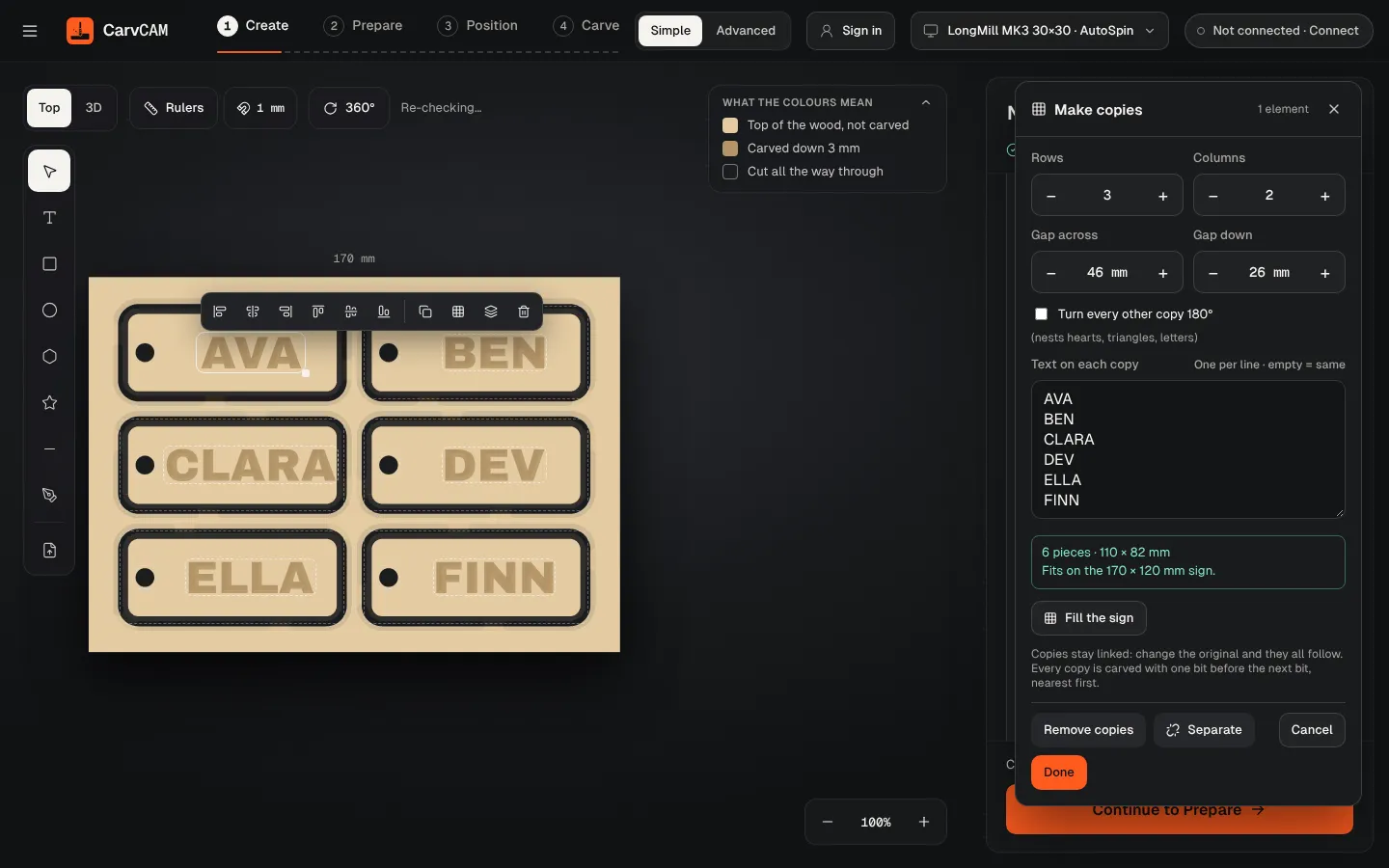
Make Name Tags and Batches on Your CNC: Copies, Names and CSV
Selling at a craft fair or making gifts for a class? Design one piece, then let CarvCAM repeat it: copies in a grid on one board, a different name on each, or one file per row of a spreadsheet.
Download for Windows
Use online
Windows 10 and 11 · Mac · Linux · Raspberry Pi · Works offline · All downloads · See how it works
What it does
One design, a whole board of them
- Make copies (Pro): rows, columns and gaps, with Fill the board and a size check against your machine
- Copies stay linked: change the original and every copy follows
- Text on each copy: one name per line, so six tags get six names
- Turn every other copy 180° to nest hearts, triangles and letters tighter
- Every copy is cut with one bit before the next bit, nearest first
- Pro: Batch from CSV makes one file per row, with a cost for the whole batch
More features
Part of one workflow
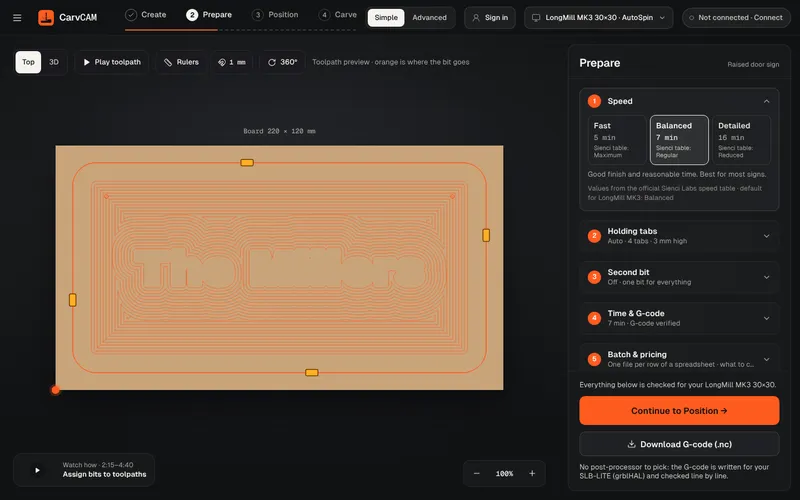
No post-processor
“What is a post processor?” is one of the most asked questions on the Sienci forum. In CarvCAM you never need to know: there is nothing to pick, and the file is checked before it reaches the machine.
Learn more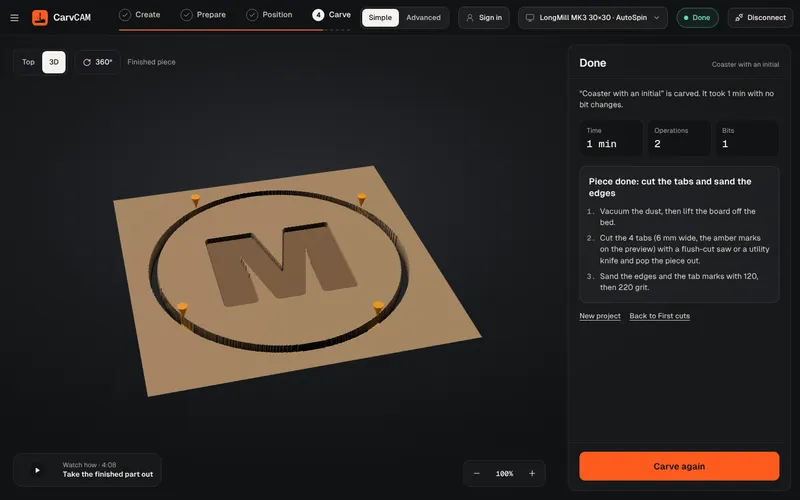
V-carving
V-carving is what makes a sign look professionally cut: deep where the letter is wide, sharp in the corners. CarvCAM does it from the same text you typed.
Learn more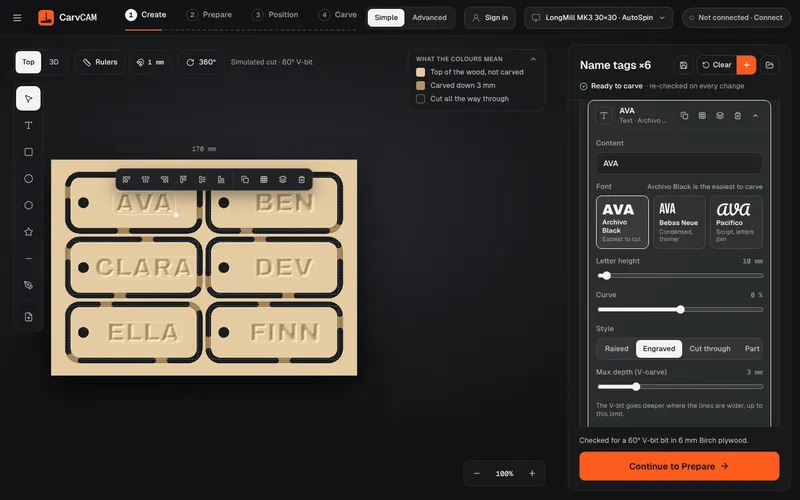
Sign design
Design where you carve. The preview shows the wood already cut, so what you see is what comes off the machine.
Learn moreFrom blank board to finished sign.
One app for your LongMill or AltMill.
Download for Windows
Use online
Windows 10 and 11 · Mac · Linux · Raspberry Pi · Works offline · All downloads · See how it works