
Feature
CNC Wiring and Connect Wizard: Power, E-stop, Spindle, USB
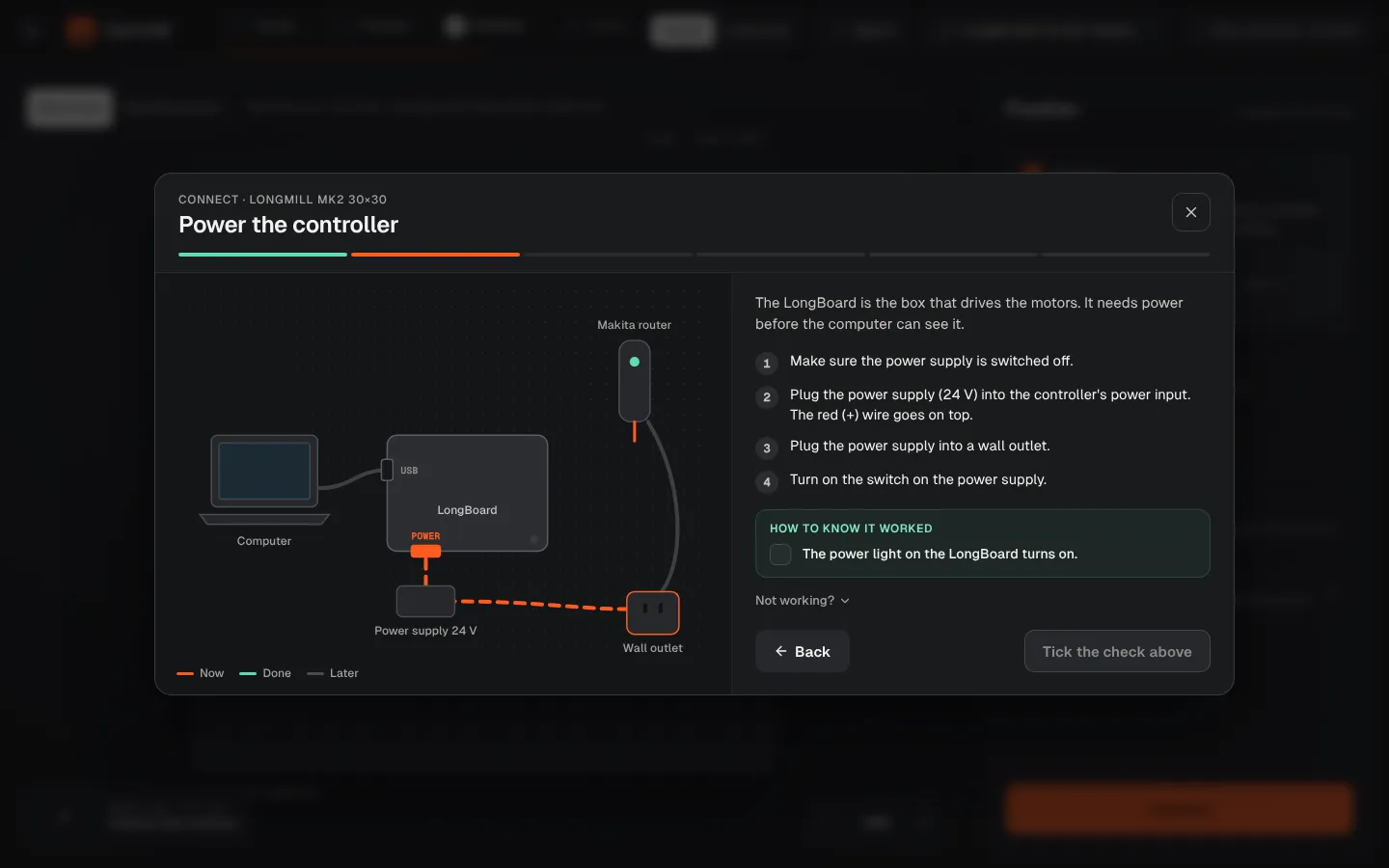
Most first-day problems are cables. CarvCAM shows where each one goes for your machine, then proves the connection works before you touch a board.
Download for Windows
Use online
Windows 10 and 11 · Mac · Linux · Raspberry Pi · Works offline · All downloads · See how it works
What it does
Connect wizard, done for you
- Wiring map for your controller: power, E-stop, AutoSpin or VFD cable, USB or Ethernet
- One step at a time, with a check you confirm
- Automatic checks: controller answers, E-stop released, machine idle
- Live tests: 2 mm Z move and a 3 second spindle spin
More features
Part of one workflow
No post-processor
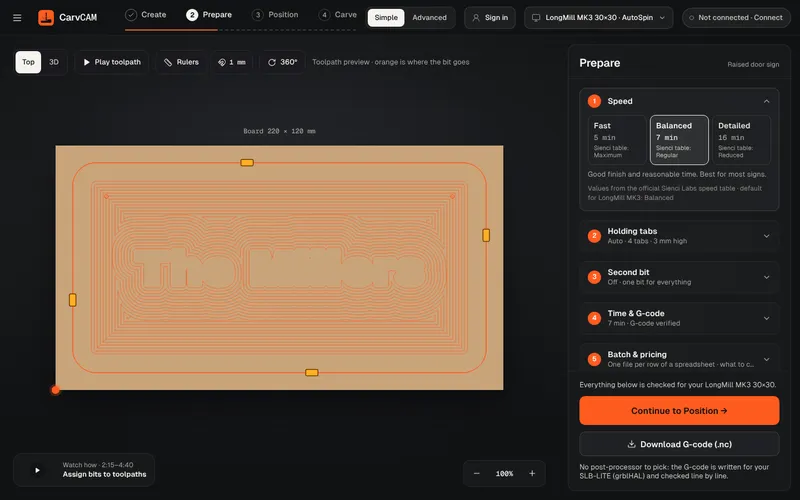
“What is a post processor?” is one of the most asked questions on the Sienci forum. In CarvCAM you never need to know: there is nothing to pick, and the file is checked before it reaches the machine.
Learn more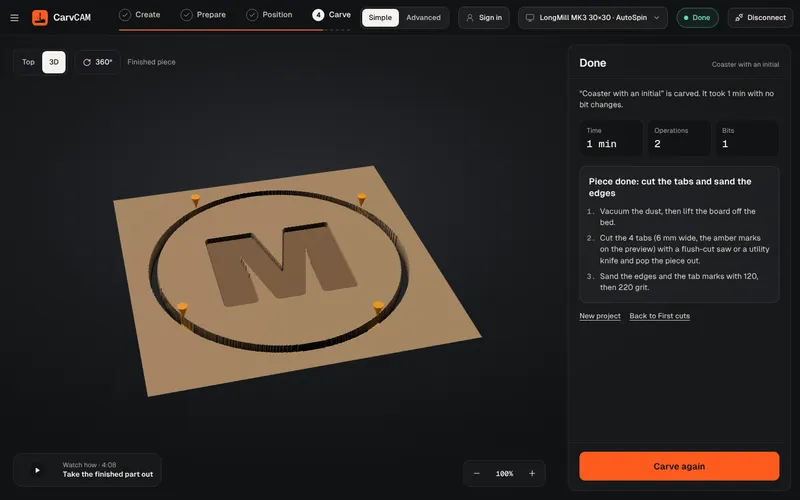
V-carving
V-carving is what makes a sign look professionally cut: deep where the letter is wide, sharp in the corners. CarvCAM does it from the same text you typed.
Learn more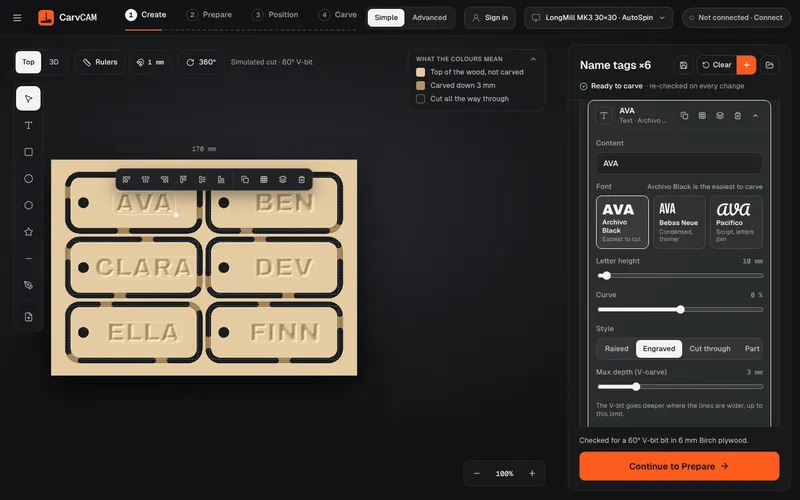
Sign design
Design where you carve. The preview shows the wood already cut, so what you see is what comes off the machine.
Learn moreFrom blank board to finished sign.
One app for your LongMill or AltMill.
Download for Windows
Use online
Windows 10 and 11 · Mac · Linux · Raspberry Pi · Works offline · All downloads · See how it works